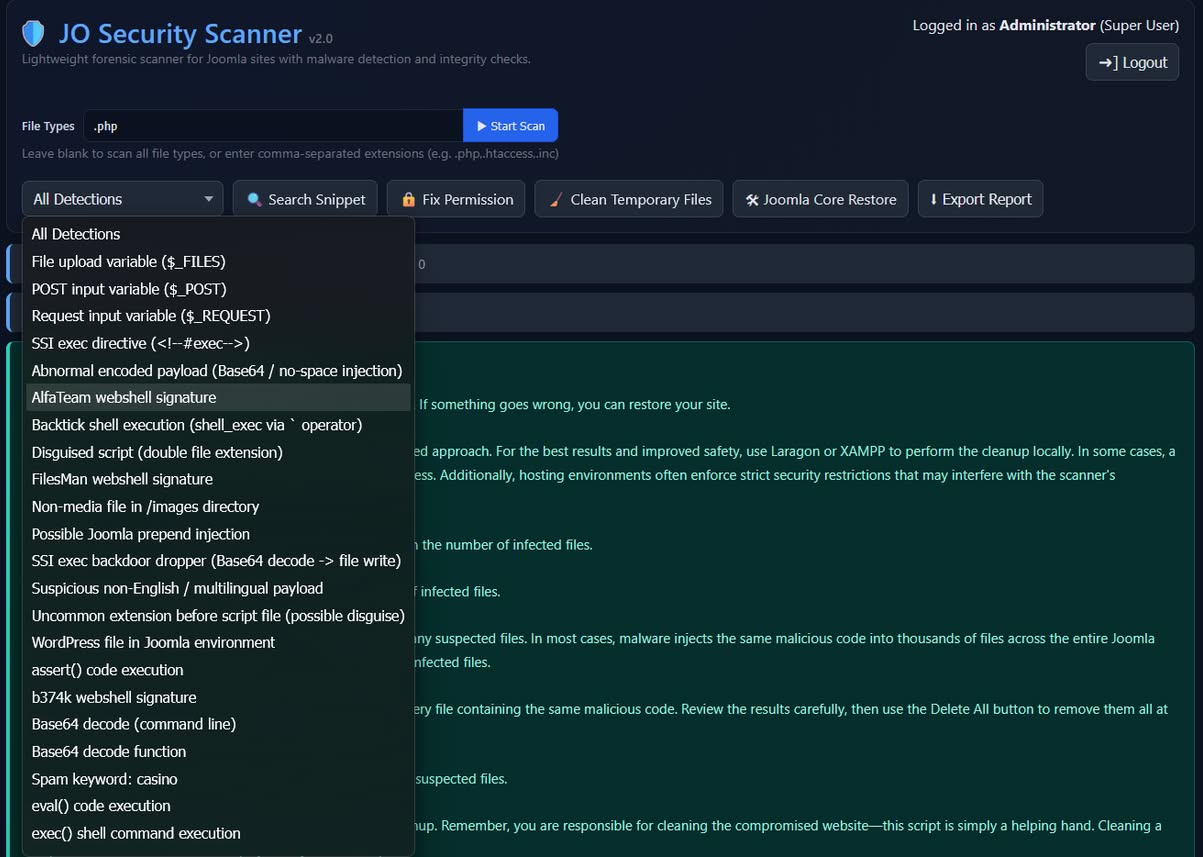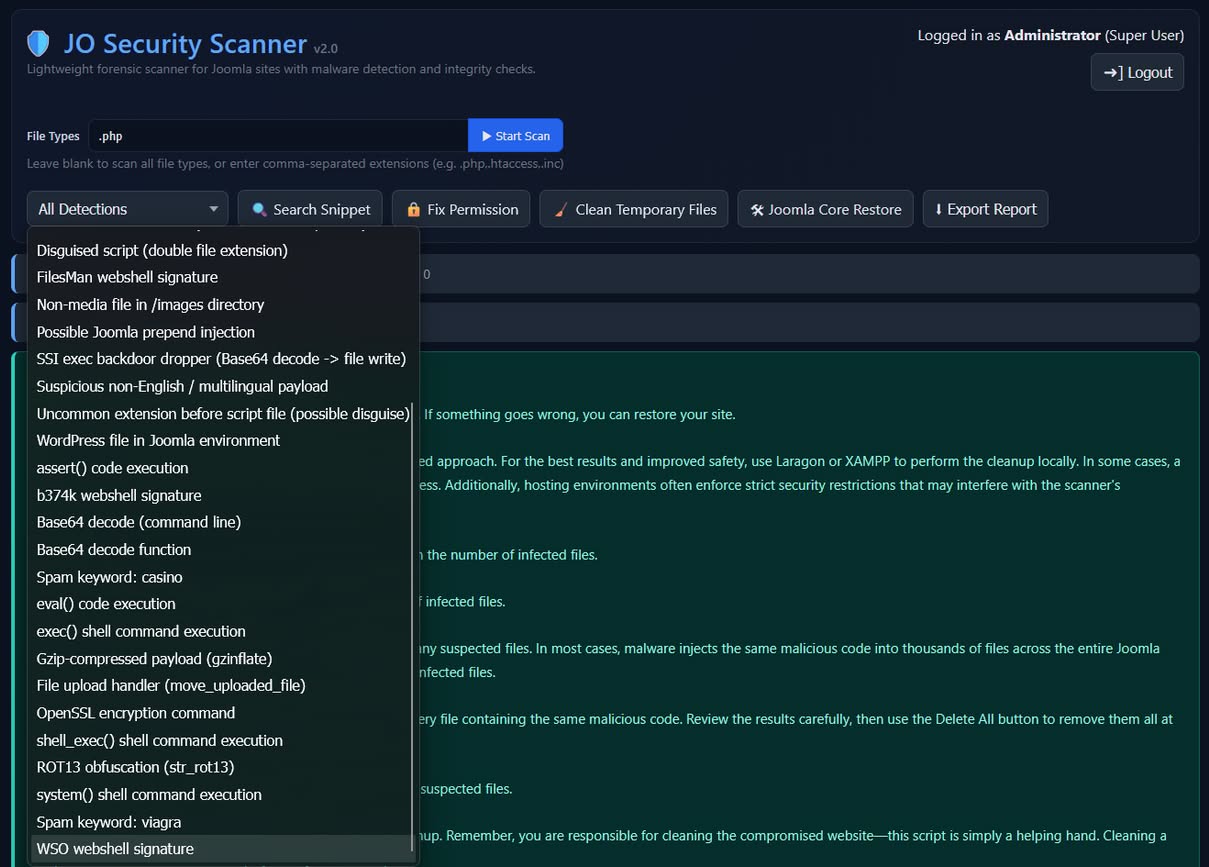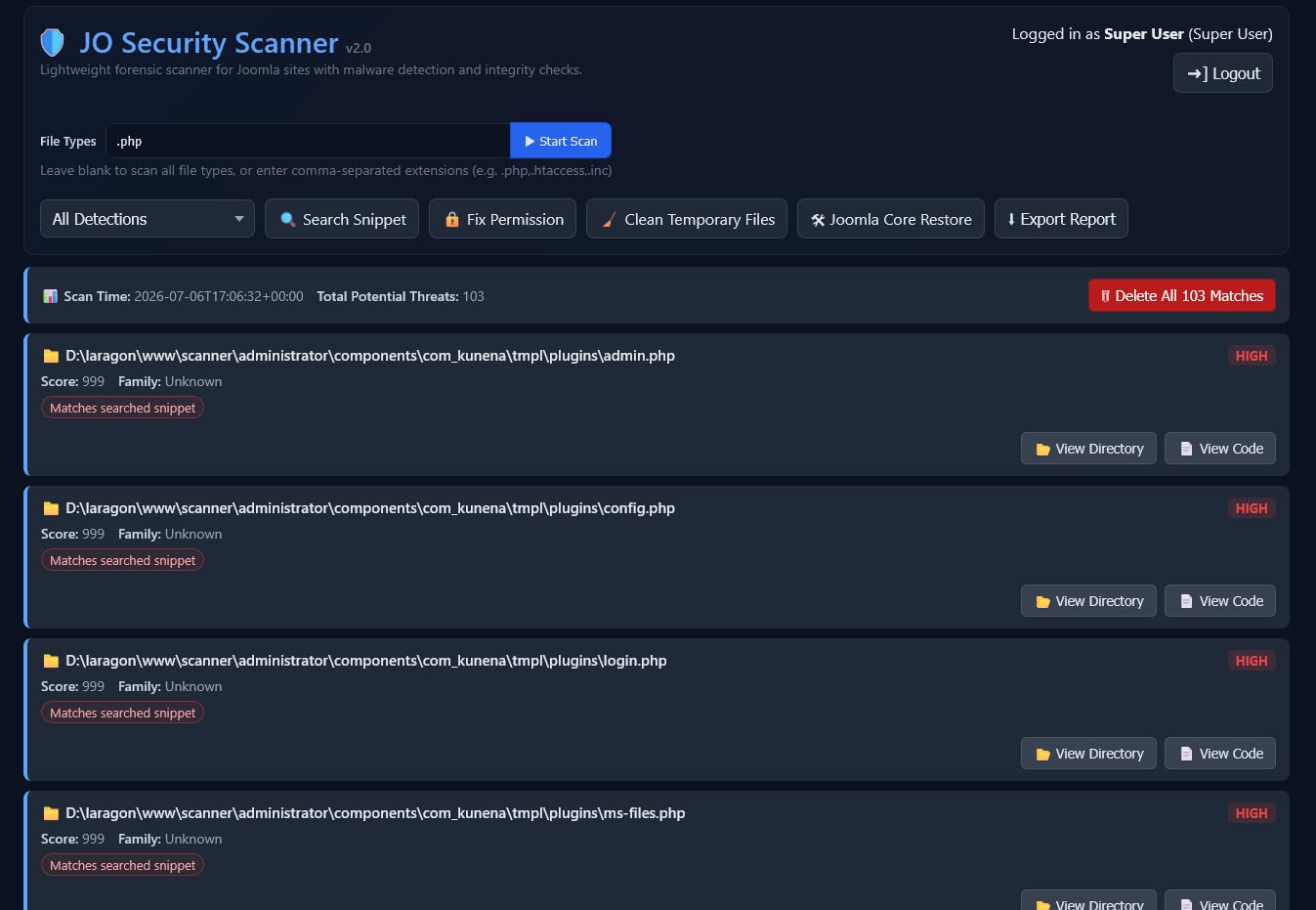
JO Security Scanner is a standalone emergency tool built for one specific, painful moment: your Joomla site has been hacked, and you need to find out how badly — fast, without waiting on a hosting support ticket or trusting a backend that might itself be compromised.
When a Joomla site gets compromised, the real damage is rarely a single file. Attackers typically:
- Drop webshells disguised with double extensions, like
photo.jpg.phporinvoice.pdf.phtml, so they look harmless in a file listing. - Inject the same malicious snippet into hundreds or thousands of files at once, across core files, templates, and third-party extensions.
- Plant a backdoor
.htaccessfile that quietly blocks security tools (and even legitimate admins) while leaving their own backdoor files reachable. - Leave stray WordPress-style files (
wp-login.php,wp-admin.php) sitting in a Joomla installation — a classic sign that something doesn't belong. - Drop entire rogue folders directly in the site root — old backups, abandoned tool installs, or duplicated/self-nested directories — that never belonged there in the first place.
Manually opening every PHP file on a site containing tens of thousands of files simply isn't practical. JO Security Scanner narrows that haystack down to a short, reviewable list of suspicious files, allowing you to focus your time and expertise where it matters most.
It is not a Joomla extension. It's a single standalone script that you upload to your site's root directory and access directly through your browser, completely independent of the Joomla administrator area.
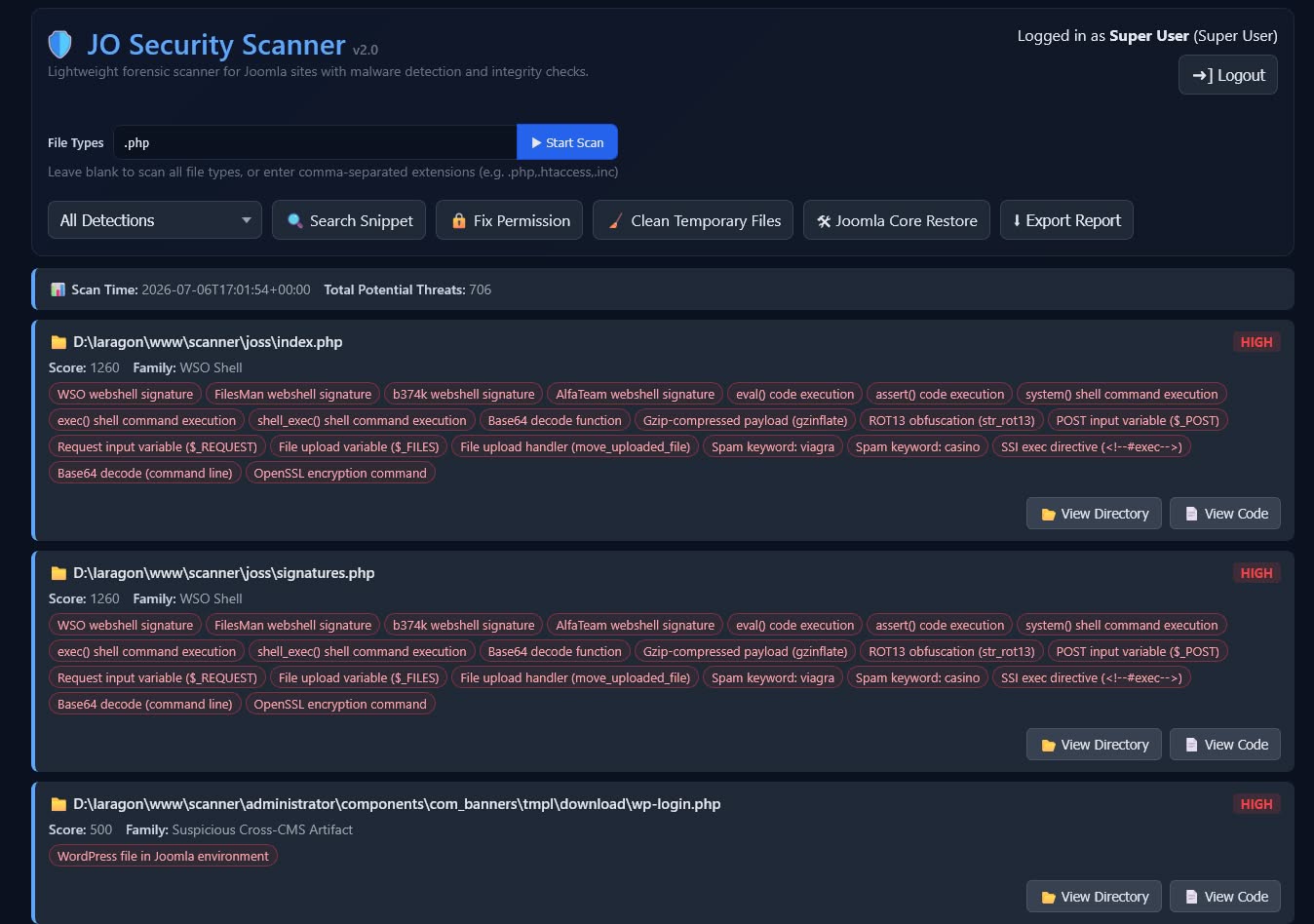
🔎 Malware & Webshell Detection
- Signature-based scanning for known webshell patterns, obfuscation, and dangerous PHP functions such as
eval(),base64_decode(),shell_exec(),assert(), and more. - Detects disguised scripts using double file extensions (for example
image.jpg.php), including a lower-noise pass for less common disguise techniques. - Flags WordPress-named files found inside Joomla installations.
- Detects suspicious multilingual payloads and abnormal Base64 or encoded content.
- Flags non-media files hidden inside the
/imagesdirectory. - Flags unexpected non-core files and non-core folders sitting directly in the Joomla root — a common drop location for backups, archive files, and abandoned tool installs.
- Detects suspicious self-nested folders (a directory duplicated inside itself, e.g.
plugins/plugins), a pattern often left behind by droppers and sloppy extraction — with a built-in, editable allowlist so legitimate third-party libraries that happen to repeat a folder name are never falsely flagged. - Flags gibberish, machine-generated-looking filenames often used to hide dropped payloads, with sensible built-in exceptions for real words and an editable allowlist for legitimate build/vendor directories.
- Instantly filter scan results by detection type, sorted by risk score.
⚡ Built to Handle Large Sites
- Scans run in small chunks behind the scenes instead of one long request, so large sites with tens of thousands of files no longer risk timing out or failing partway through.
- A live progress popup shows real-time scan status — files scanned so far, percentage complete, and the folder currently being checked — so you always know a large scan is actively progressing, not stuck.
- Cancel a running scan at any time without waiting for it to finish.
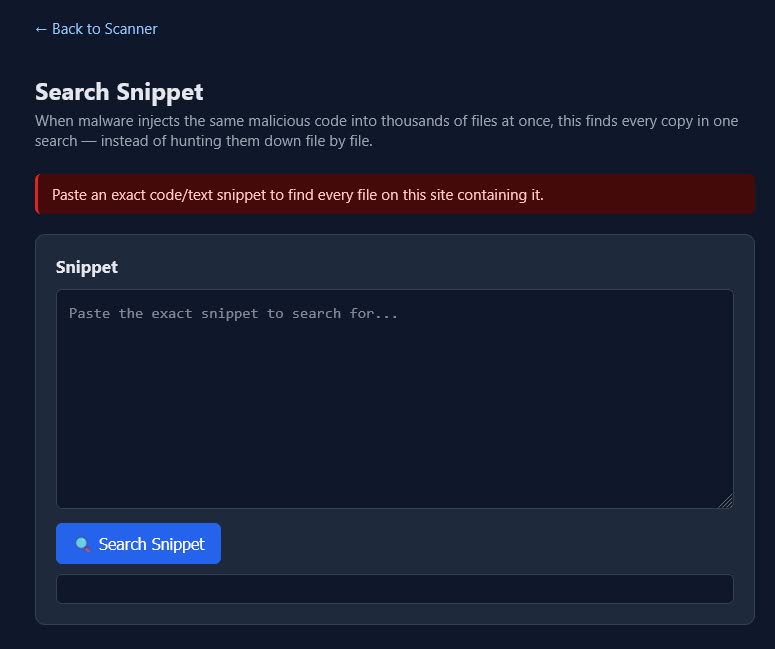
🧬 Search Snippet (Mass-Injection Cleanup)
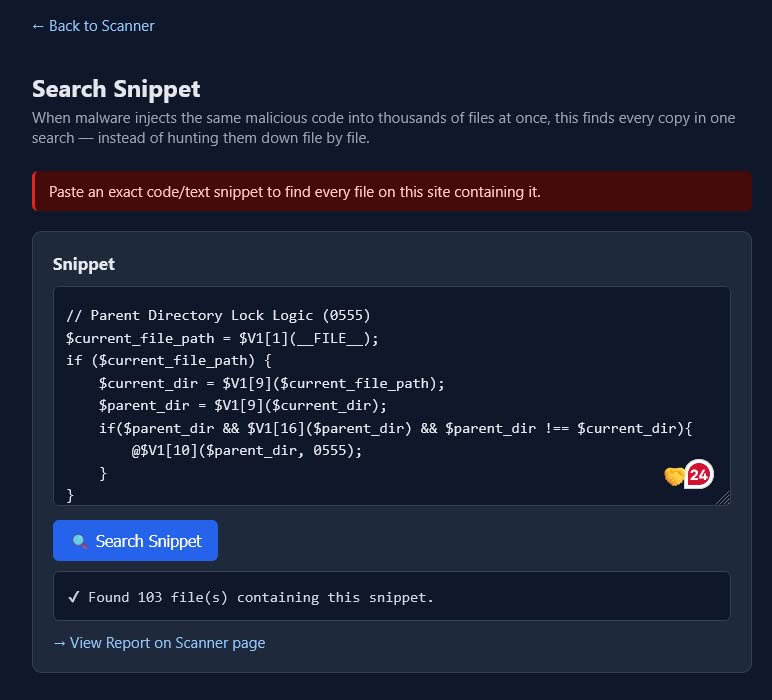
- Paste a single malicious code snippet to instantly locate every infected file containing the same code.
- Ideal for cleaning mass-injected malware affecting hundreds or thousands of files.
- Review matching files, then use Delete All to remove them in one operation.
- Uses the same report interface as the full scanner, with no additional workflow to learn.
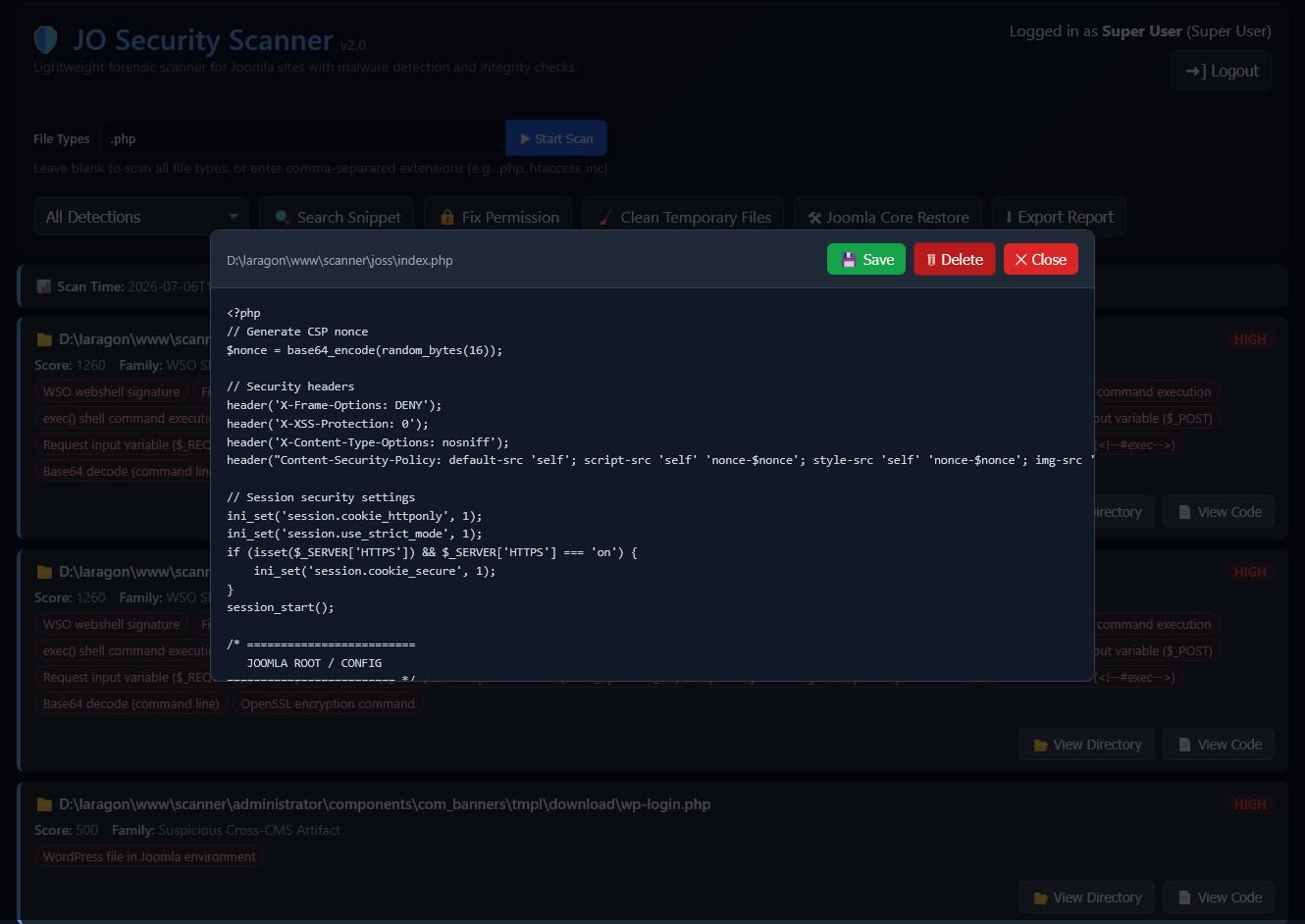
📄 Built-in Code Viewer & Editor
- View the source code of flagged files directly in your browser.
- Edit and save changes, or delete files immediately from the same interface.
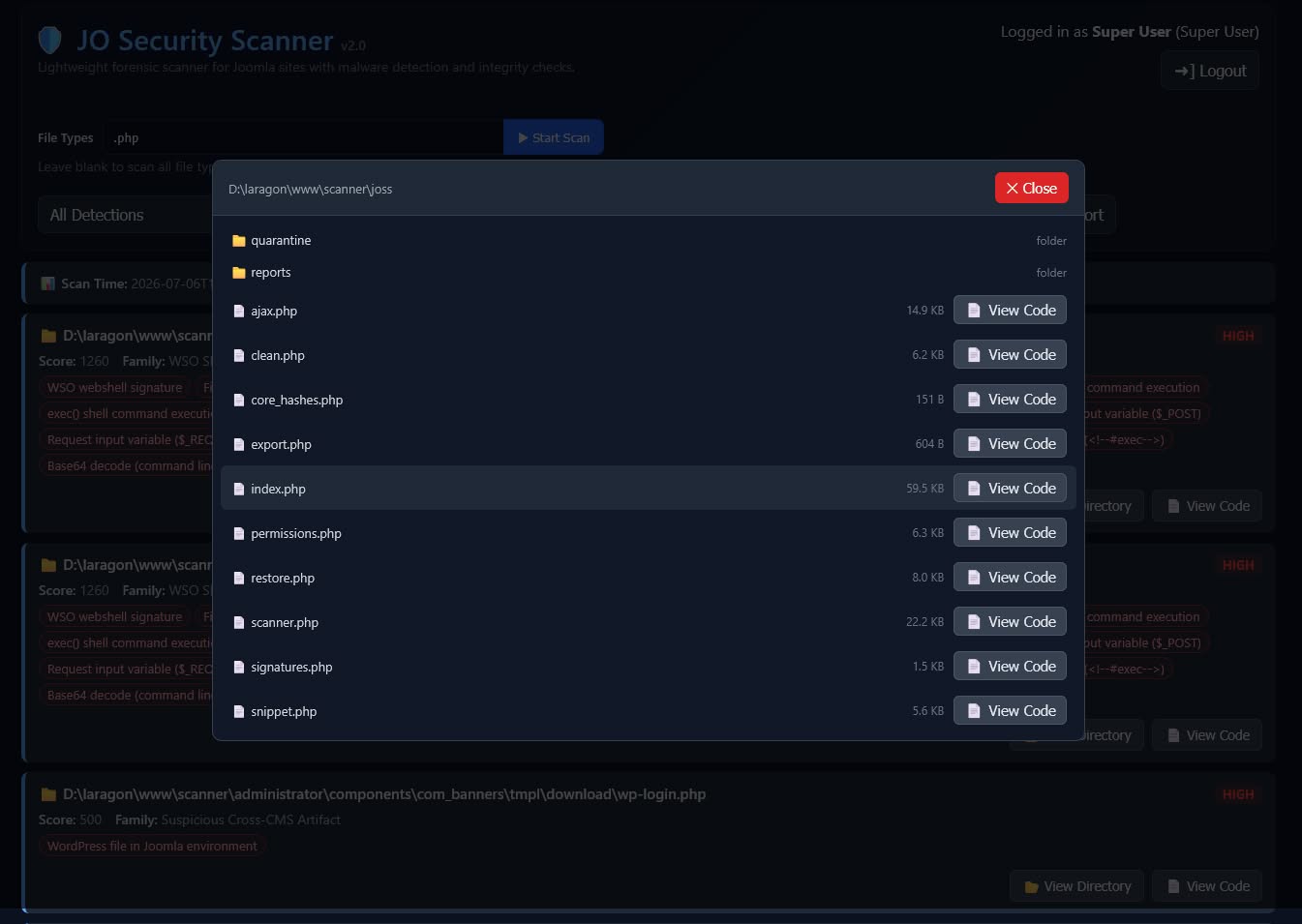
- Browse the parent directory to inspect neighboring files.
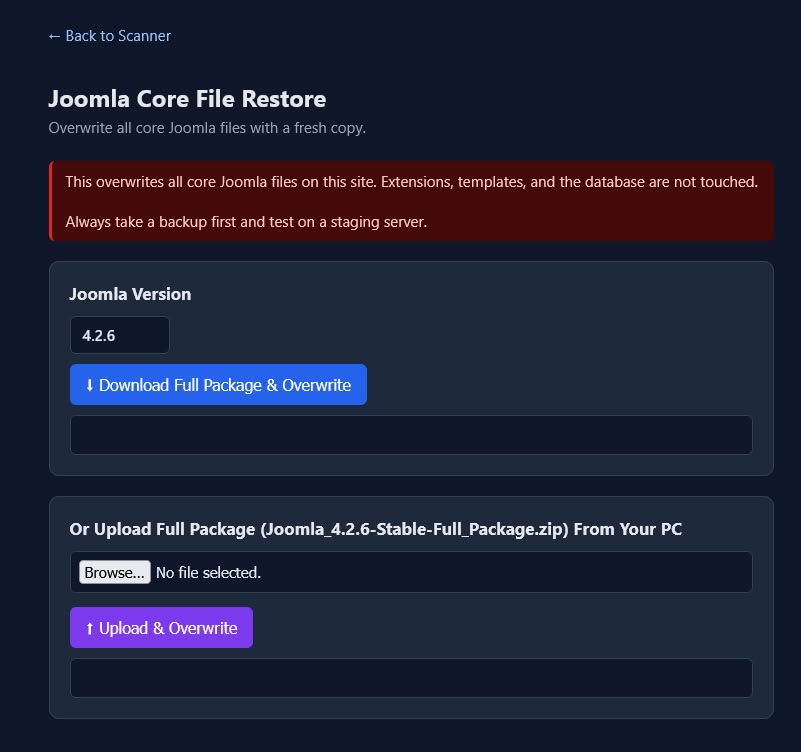
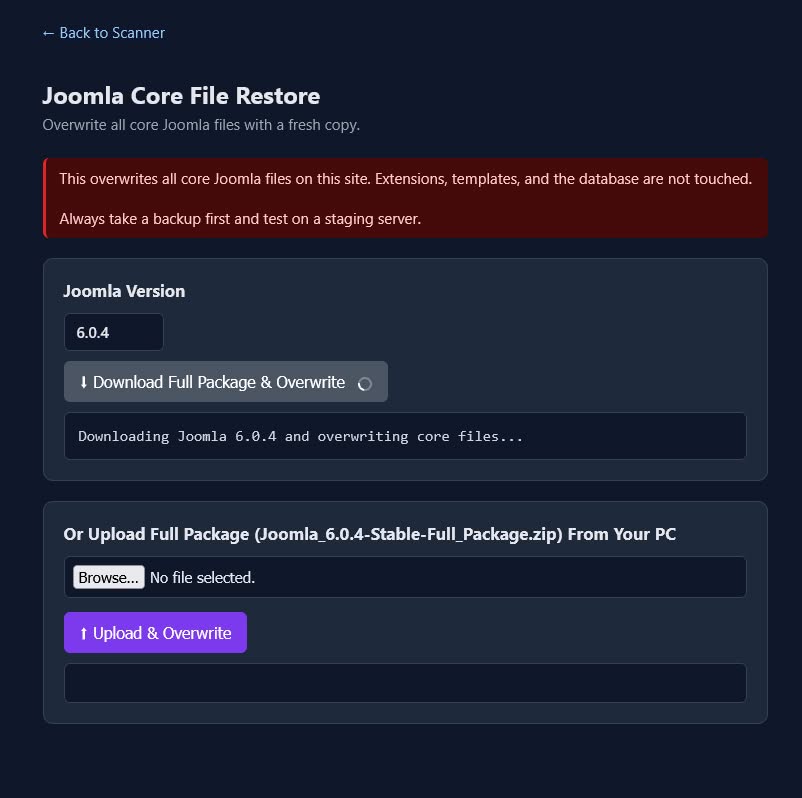
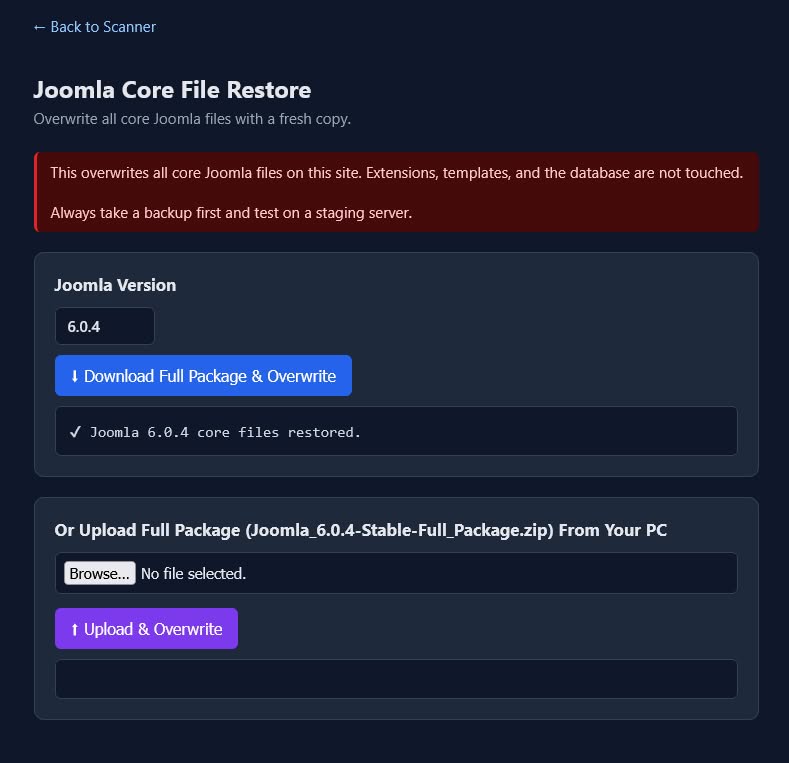
🛠️ Joomla Core Restore
- Automatically detects the installed Joomla version.
- Downloads and restores official Joomla core files with a single click.
- Optionally upload your own Joomla release package for restoration.
- Quickly replaces compromised core files with clean originals.
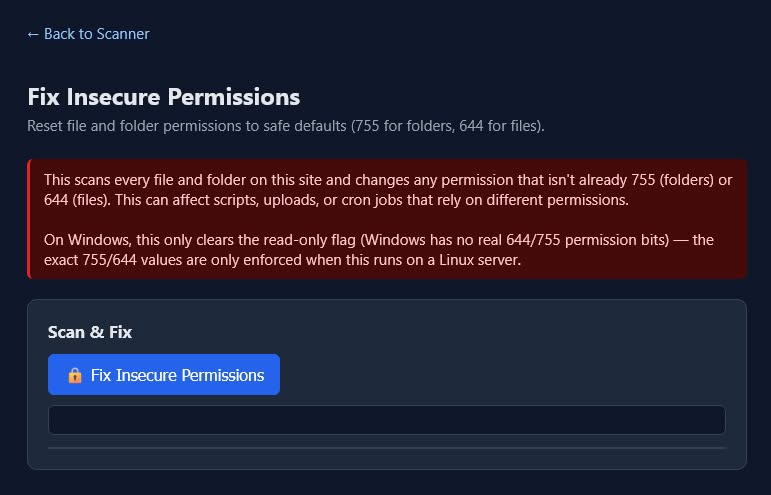
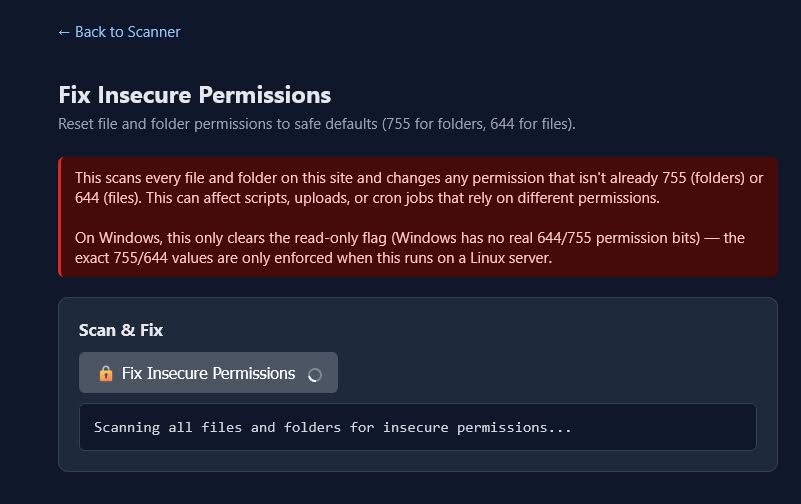
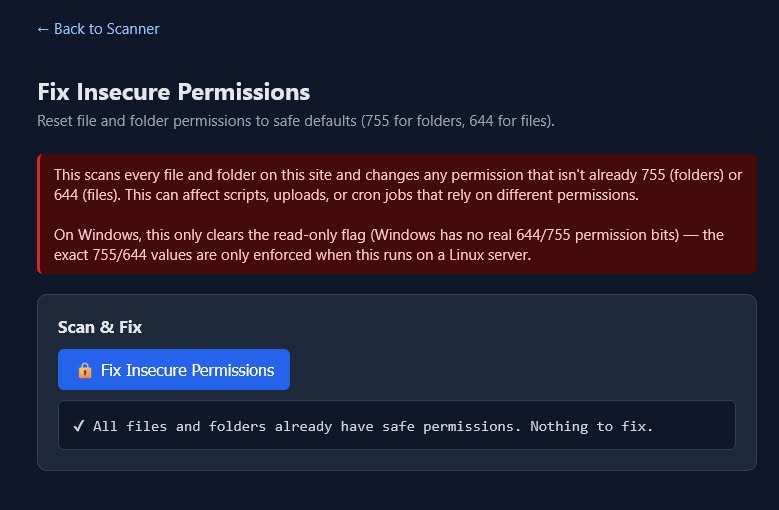
🔒 Fix Insecure Permissions
- Scans all files and folders for incorrect permissions.
- Automatically resets files to
644and folders to755. - Works correctly on Linux hosting as well as Windows and macOS development environments.
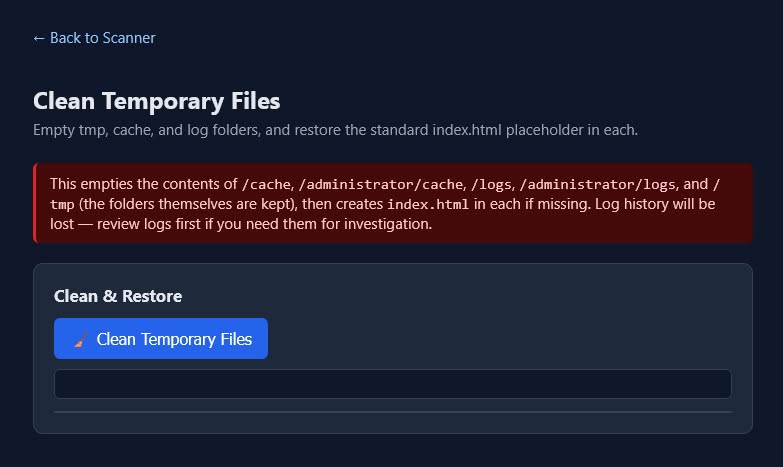
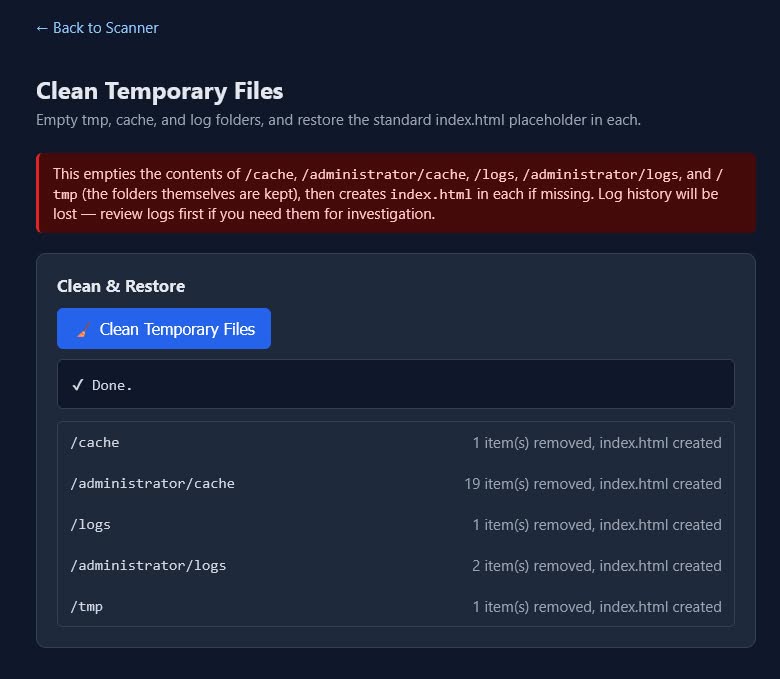
🧹 Clean Temporary Files
- Clears the following Joomla directories with one click:
/cache/administrator/cache/logs/administrator/logs/tmp
- Automatically recreates Joomla's standard
index.htmlplaceholder in each directory.
🛡️ Security Hardened
- Content Security Policy (CSP) with nonce-based protection.
- Session-based authentication with CSRF protection for all state-changing actions.
- Scan reports automatically clear after login and logout to prevent stale results.
- No scan results are permanently stored beyond what you explicitly generate.
How to Use
JO Security Scanner is a standalone security tool, not a Joomla extension. It runs independently of Joomla and does not need to be installed through the Joomla administrator area.
To use it, upload the complete joss folder to your Joomla website's root directory using FTP, SFTP, or your hosting control panel's File Manager. In most cases, the Joomla root directory is located at /public_html.
Note: If your hosting server uses a different directory name instead of /public_html, upload the joss folder to the same directory where your Joomla configuration.php file is located.
For example, if your Joomla website is installed in:
/public_htmlupload the joss folder so that it becomes:
/public_html/joss/Once uploaded, open the scanner in your browser by visiting:
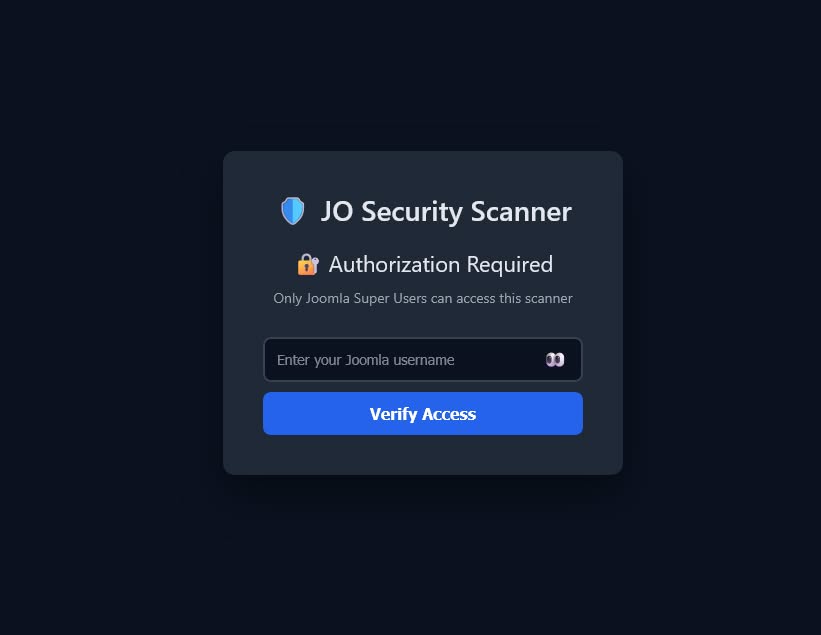
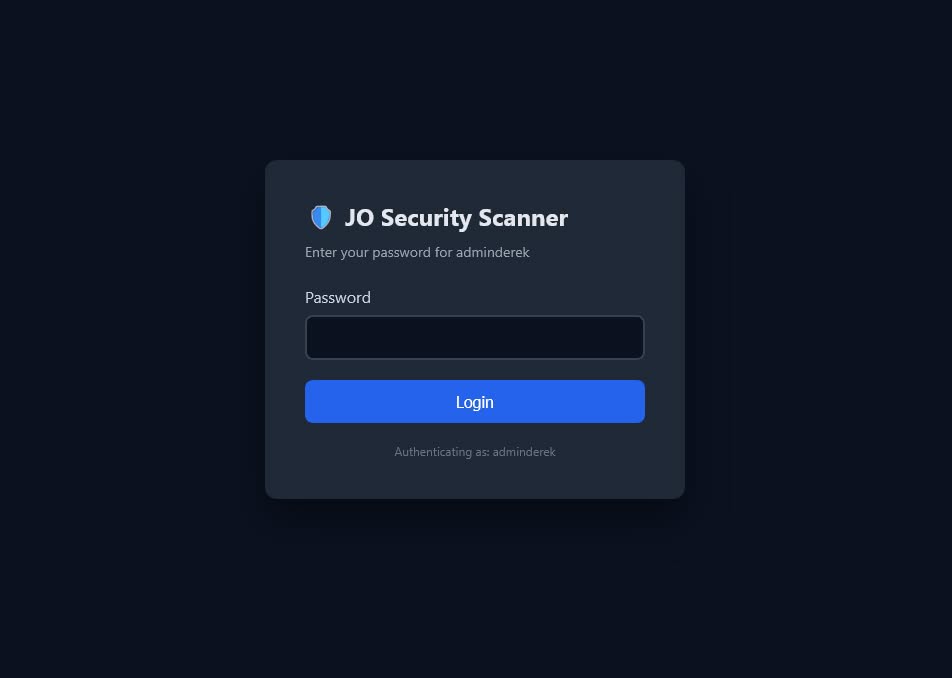
https://yourdomain.com/joss/Log in using the same Joomla Super User username and password that you normally use to access your Joomla administrator area. No separate scanner account is required.
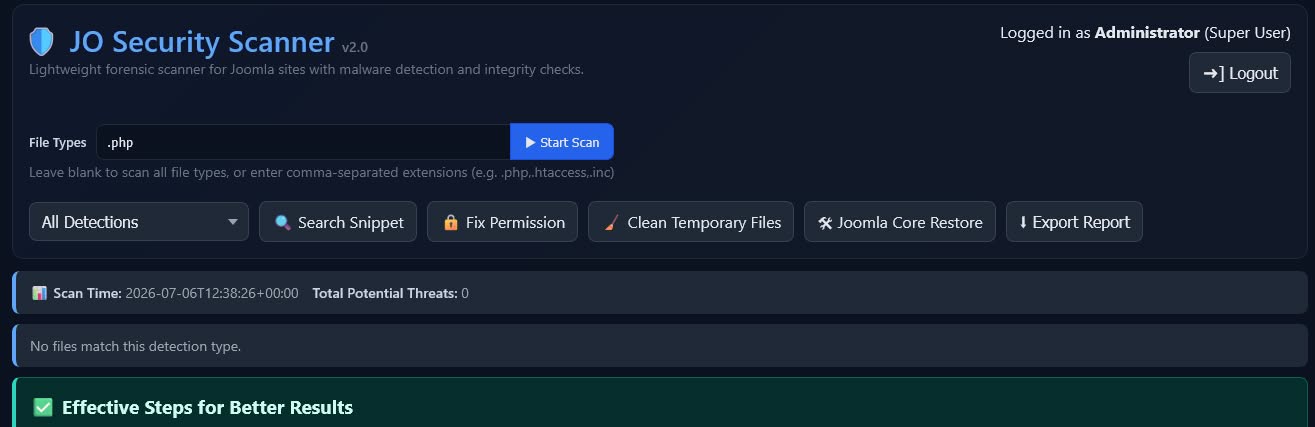
After successful login, you will be taken directly to the scanner dashboard. From a single interface, you can access Malware Scan, Search Snippet, Joomla Core Restore, Fix Permissions, and Clean Temporary Files.
Because JO Security Scanner operates independently of the Joomla administrator area, it can remain accessible even when your Joomla backend is unavailable or has been compromised.
Important: For security reasons, remove the joss folder from your server when you have finished using the scanner.
Common Issues & Solutions
403 Forbidden - You Don't Have Permission to Access This Resource
If opening JO Security Scanner displays a message such as "403 Forbidden - You don't have permission to access this resource.", or you cannot access the scanner at all, your web server may be blocking access through the site's .htaccess file.
To verify whether this is the cause, temporarily rename the Joomla root .htaccess file to _htaccess and try accessing the scanner again. If the scanner opens normally, review your .htaccess rules or restore the original .htaccess file after completing the scan.
Scan Stuck or Never Finishes
If the scan starts but appears to run indefinitely, or the entire scanner script becomes unresponsive, Windows Defender's Real-time protection may be slowing or blocking file access, particularly on local development environments such as Laragon, XAMPP, or WAMP.
Temporarily disable Real-time protection while running the scan:
- Open Windows Security.
- Select Virus & threat protection.
- Click Manage settings.
- Turn Real-time protection Off.
- Run the scan again.
- When the scan is complete, turn Real-time protection back On.
Important: Re-enable Real-time protection immediately after the scan to keep your computer protected.
Recommended Cleanup Workflow
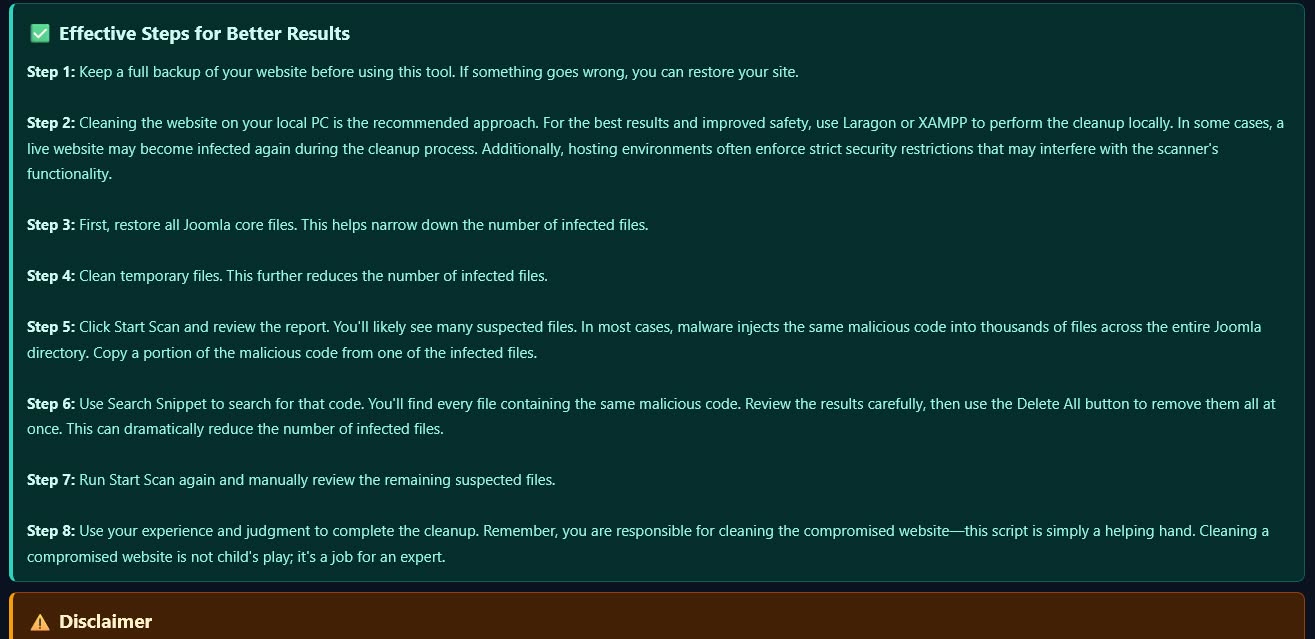
- Keep a full backup of your website before using this tool. If something goes wrong, you can restore your site.
- Clean the website locally whenever possible. For the best results and improved safety, use Laragon or XAMPP to perform the cleanup locally. In some cases, a live website may become infected again during the cleanup process. Additionally, hosting environments often enforce strict security restrictions that may interfere with the scanner's functionality.
- Restore all Joomla core files first. This helps narrow down the number of infected files.
- Clean temporary files. This can further reduce the number of infected files and remove unnecessary cached content and log files.
- Review the files identified by the scanner and clean the obvious threats. Files flagged with Confirmed Malware — No Doubt, Delete It can be deleted without further checking. Files flagged with Suspicious Code Found in File are often malicious, but you should inspect them before deleting them to confirm. The same applies to files flagged as Non-media file in /images directory, Non-Core Files in Joomla Root, and Long unbroken text without spaces. After completing this step, approximately 90% of the malicious code may already be removed.
- Sort the remaining flagged files by clicking the hit label. Review the files within each group and check them for malicious code. If you identify malicious code, remove the affected file. If you find the same type of malicious code in multiple files, do not delete them one by one. Instead, continue to the next step to locate and remove them in bulk.
- Use Search Snippet to clean repeated malicious code. If you identify the same malicious code in multiple files, copy a portion of that code and search for it using Search Snippet. This will help you locate every file containing the same code. Review the results carefully, then use the Delete All button to remove the malicious code from all matching files at once. This can dramatically reduce the number of infected files.
- Run Start Scan again and manually review the remaining suspected files.
- Use your experience and judgment to complete the cleanup. Remember, you are responsible for cleaning the compromised website—this script is simply a helping hand. Cleaning a compromised website is not child's play; it is a job for an expert.
Screenshot:
Note: The screenshots were taken from the first release. As the scanner is regularly updated with improvements and new features, you may notice some differences between the screenshots and the latest version.