

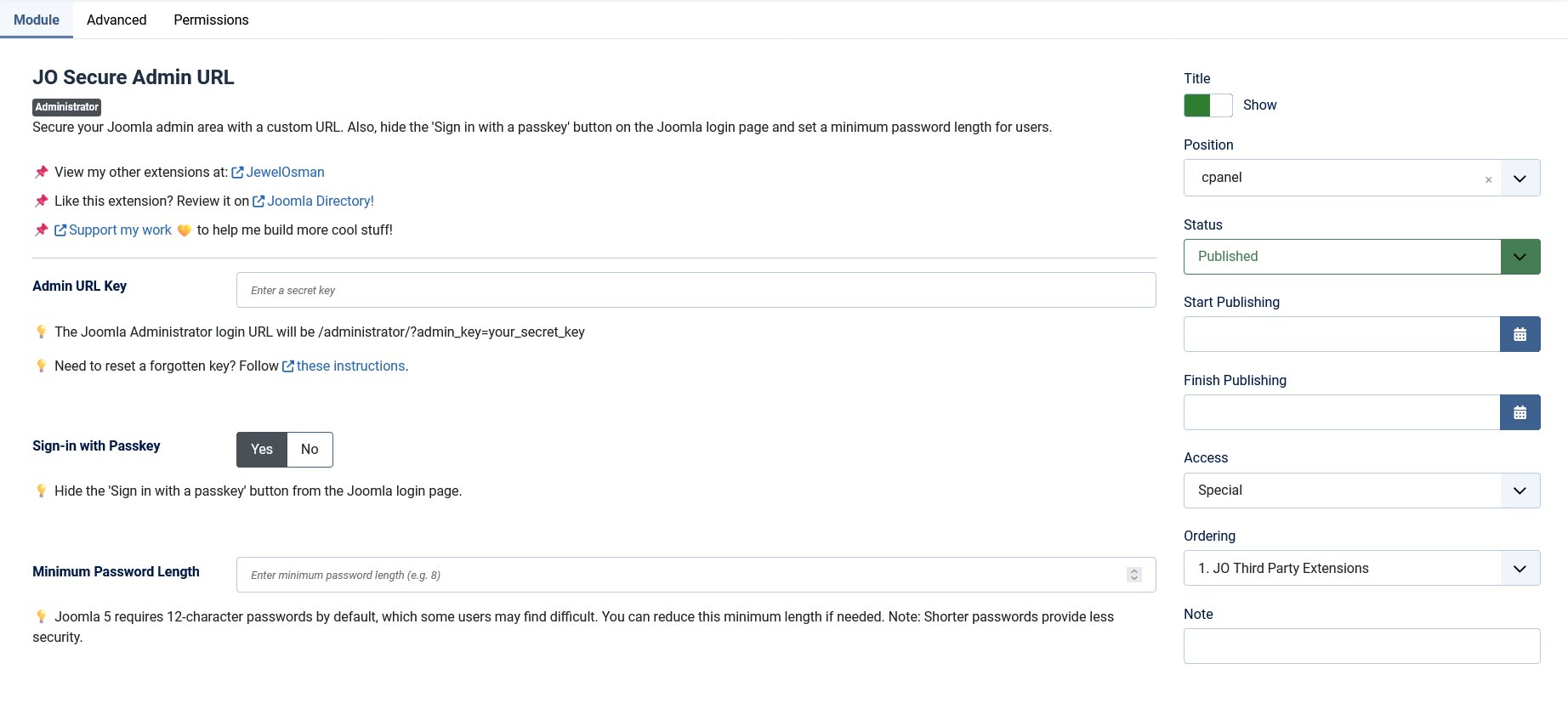
JO Secure Admin URL is a powerful extension for Joomla that enhances administrator area protection by requiring a secret key for access. It also allows you to manage passkey (WebAuthn) login visibility and customize the minimum password length for user accounts.
Key Features:
★ Secure your Joomla admin URL with a custom key (e.g., /administrator/?admin_key=your_secret_key).
★ Toggle passkey (WebAuthn) login—enable or disable the Sign in with a passkey button on the login page.
★ Adjust minimum password length—override Joomla’s default 12-character minimum requirement and set a custom length for better usability.
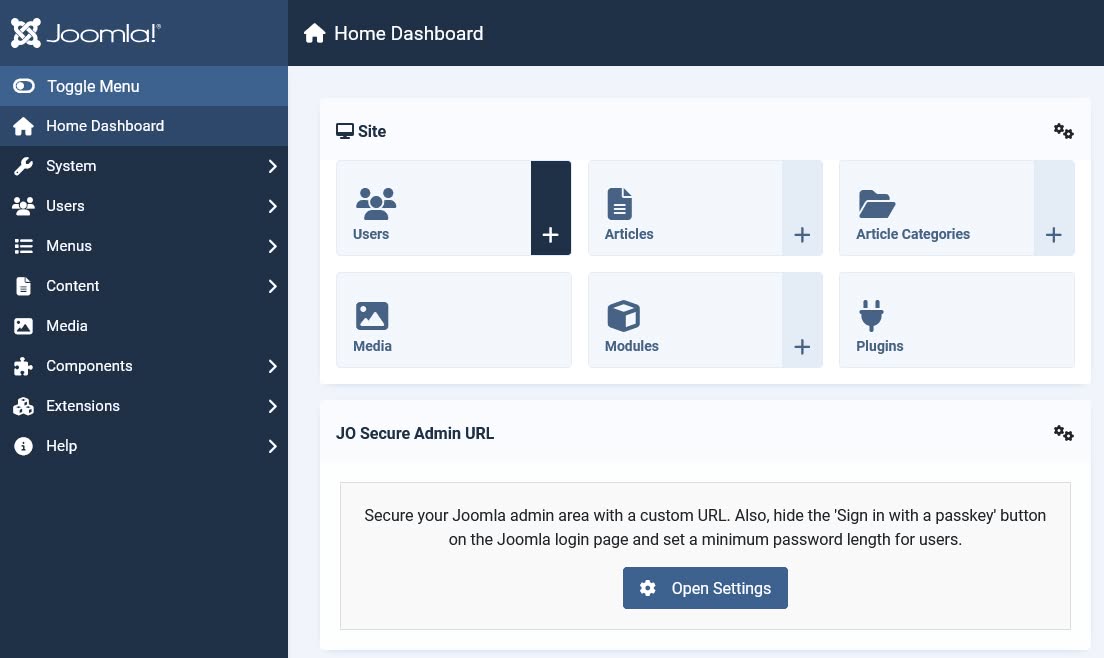
Backend Screenshot:
What to Do If You Forget the Secret Key:
1. Log in to your hosting control panel (e.g., cPanel, Plesk) and use a database management tool like phpMyAdmin.
2. Select the Joomla database.
3. Click the SQL tab, and under "Run SQL query/queries on database your_joomla_database:", paste the following SQL query:
UPDATE `#__modules`
SET `params` = JSON_SET(`params`, '$.secure_admin_key', 'mynewkey123')
WHERE `module` = 'mod_josecureadminurl' AND `client_id` = 1;
4. Replace #__ with your Joomla database prefix (e.g., jos_ if your prefix is jos_).
5. Click the Go button.
6. Use the new secret key by appending it to your admin URL as follows:
https://your_website.com/administrator?admin_key=mynewkey123


