JO Articles Display is a powerful and easy-to-use Joomla module that goes beyond basic article listing, offering extensive configuration options for layout, styling, and content filtering to showcase your content exactly how you want it. Whether you need a simple list, a multi-column grid, or a featured article section, this module provides the tools to create it, allowing you to effortlessly display thumbnails sourced from article intro images, full article images, or the first image found within the content itself. You can also fully customize the appearance directly from the module parameters with options for fonts, colors, borders, and background colors for different elements, including alternating rows.
Key Features:
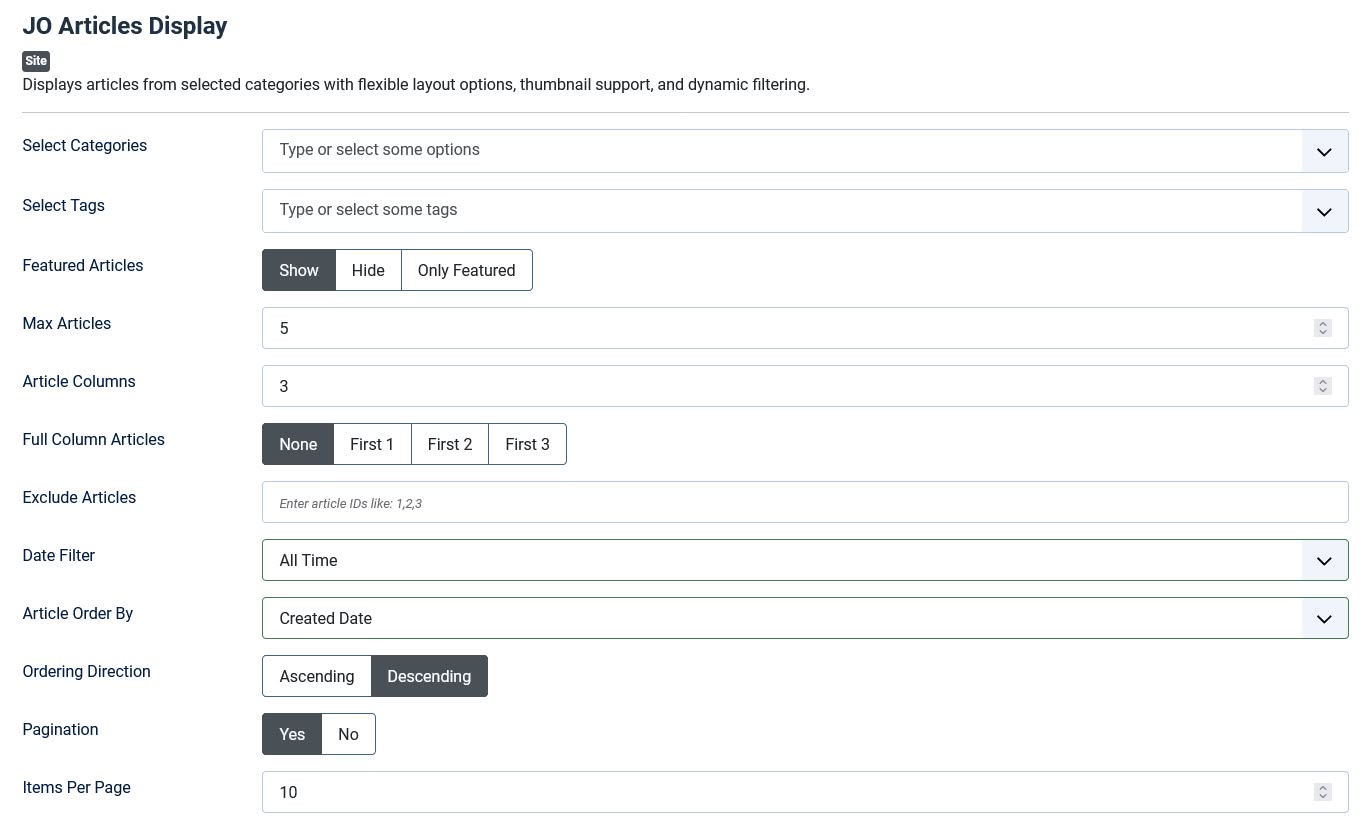
★ Flexible Article Display: Show articles from one or multiple selected categories.
★ Tag Filtering: Filter articles by one or more tags.
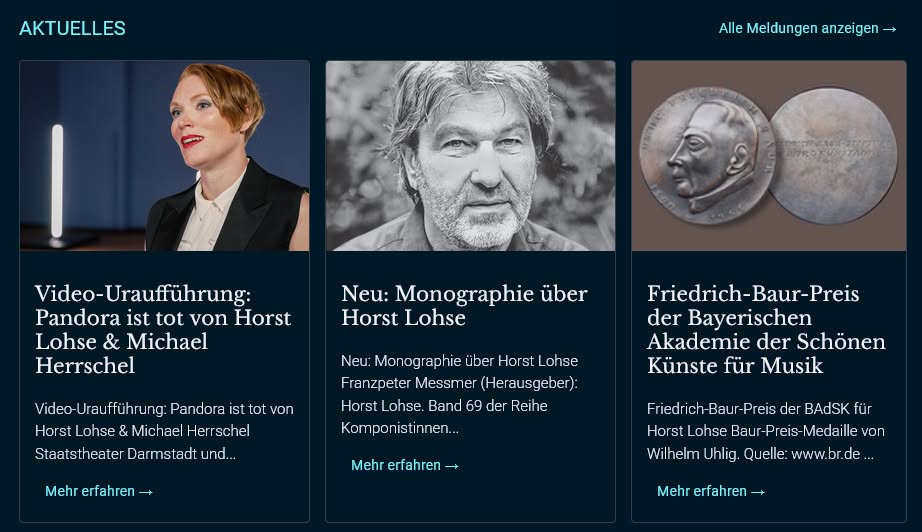
★ Customizable Layouts: Configure the number of columns for your article grid.
★ Advanced Filtering:
★★ Exclude specific articles by ID.
★★ Filter articles by publication date (e.g., Last 7 Days, Last 30 Days, Last N Days, All Time).
★★ Article Order By: Title/Hits/ID/Created Date/Modified Date/Random/Article Order.
★★ Ordering Direction: Ascending/Descending.
★★ Max Articles: Set to 0 to show all articles.
★ Category Display:
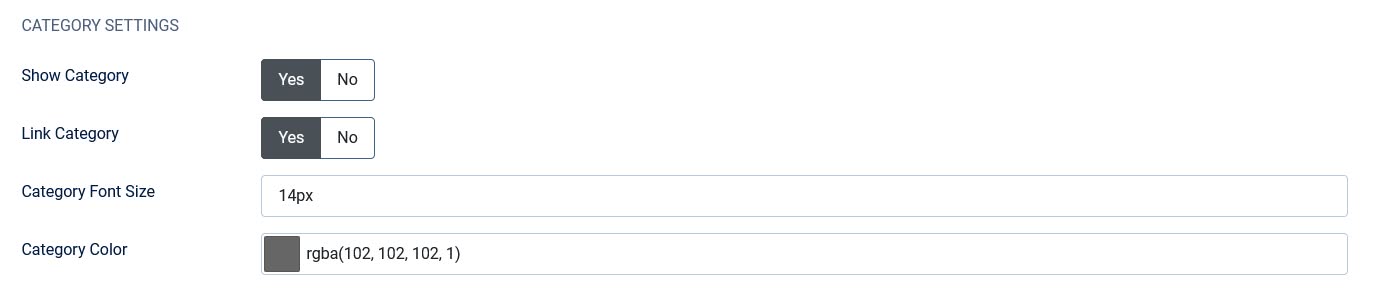
★★ Show/Hide category name.
★★ Make category name clickable.
★★ Custom category font size and color.
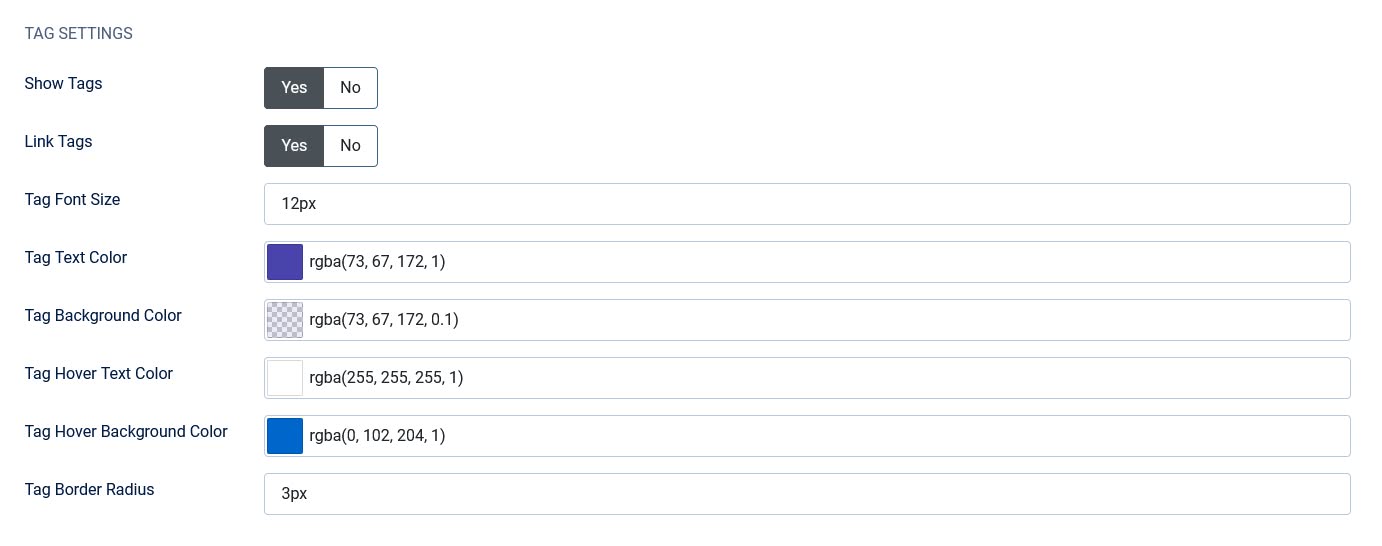
★ Tag Display:
★★ Show/Hide article tags.
★★ Make tags clickable.
★★ Custom tag font size, text color, background color.
★★ Tag hover text color and hover background color.
★★ Custom tag border radius.
★ Category & Tag Positioning:
★★ Position: Before Title, After Title, or After Intro Text.
★★ Category and tags on separate lines or on the same line with a separator.
★★ 5px spacing after category and tag icons.
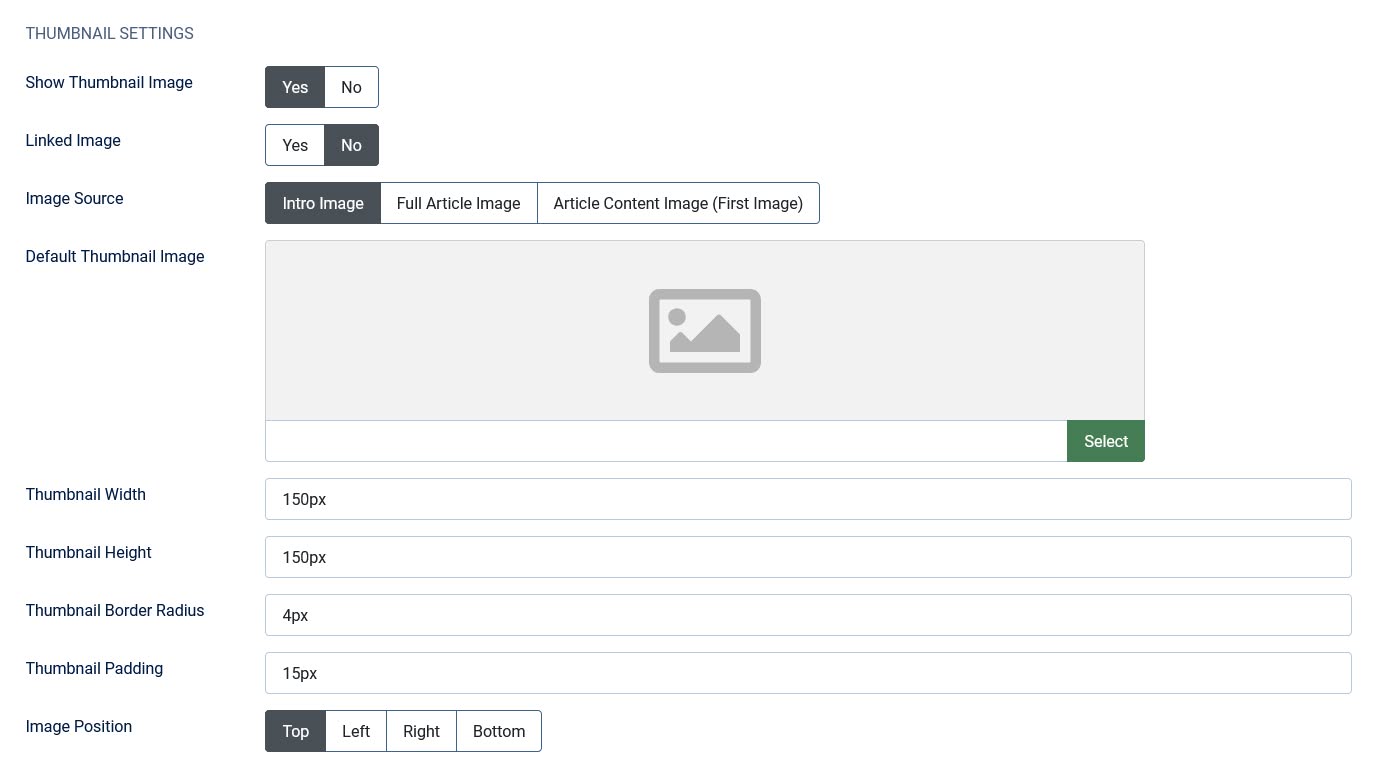
★ Thumbnail Support:
★★ Multiple image sources: Intro Image, Full Article Image, First Image from Article Content.
★★ Configurable default thumbnail if no image is found.
★★ Adjustable thumbnail width and height.
★★ Control image position (Top, Left, Right, Bottom) relative to title/text.
★★ Thumbnail border radius with hover effect.
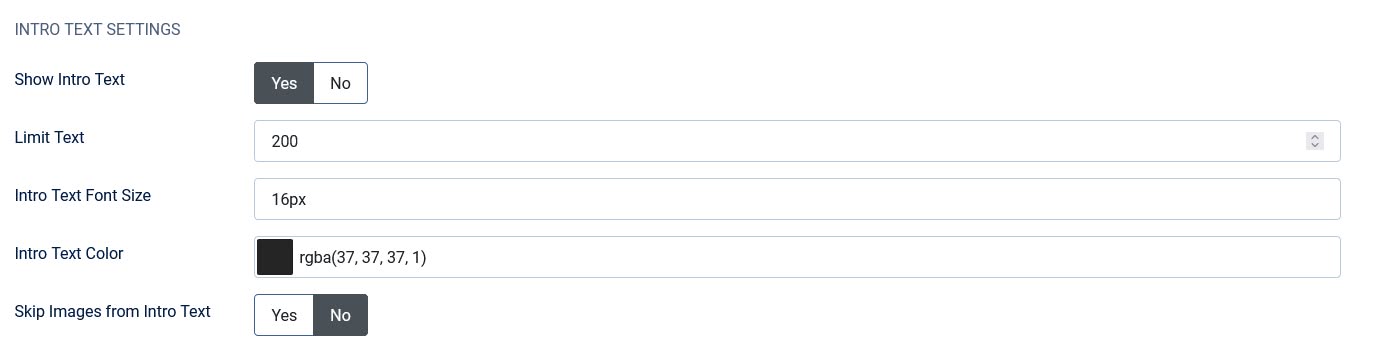
★ Intro Text Handling:
★★ Show or hide article intro text.
★★ Limit intro text length with smart word boundary cutting.
★★ HTML tags are automatically stripped to prevent layout breaking.
★★ Option to skip/remove images found within the intro text.
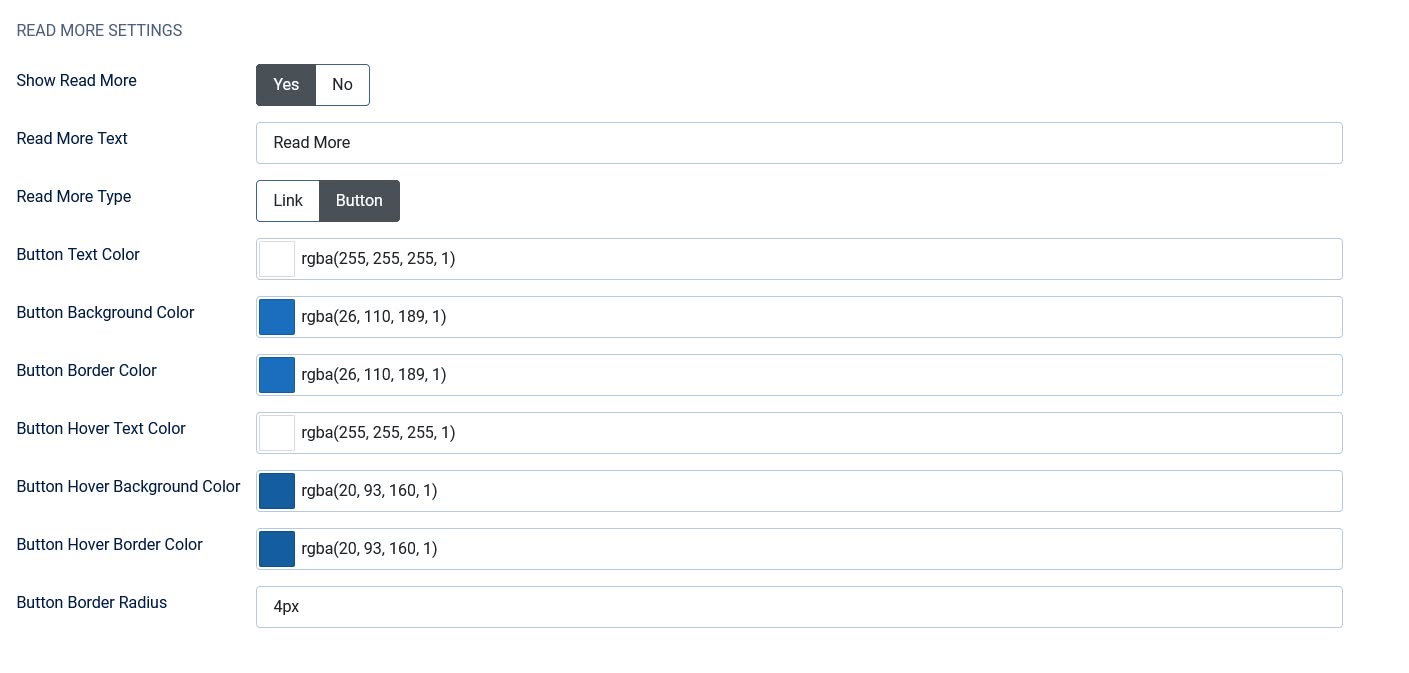
★ Read More Button:
★★ Custom Read More text.
★★ Type: Link or Button.
★★ Link color and hover color.
★★ Button text color, background color, hover colors, and border radius.
★ Custom Button:
★★ Show/Hide custom button at the end of the module.
★★ Custom button label and link.
★★ Button alignment: Left, Center, Right.
★ Extensive Styling Options:
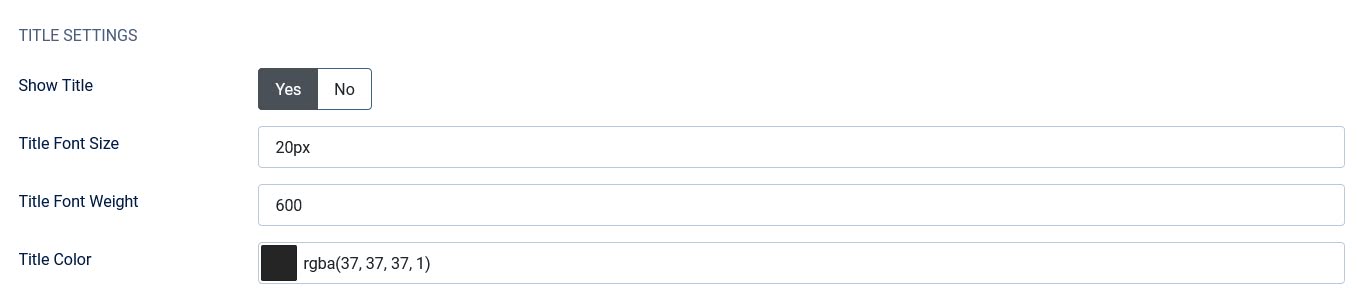
★★ Title Font Size, Font Weight, and Color.
★★ Intro Text Font Size and Color.
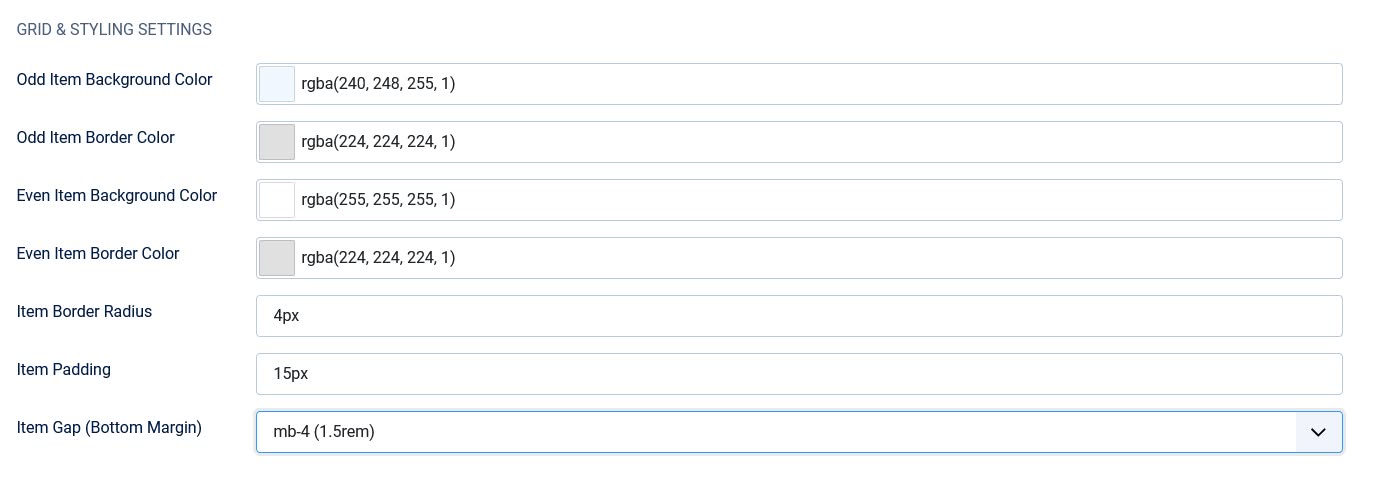
★★ Individual styling for Odd/Even item backgrounds and borders.
★★ Thumbnail Border Radius.
★★ Article Item Border Color and Border Radius.
★★ Tag Border Radius.
Extended Version Includes:
★ All features from the free version, plus the following enhancements:
★ Advanced Featured Article Filtering:
- ➡️ Choose to Show, Hide, or display Only Featured articles.
★ Subcategory Support:
- ➡️ Include Subcategories: automatically pull in articles from child categories of your selected categories.
★ Content Pagination:
- ➡️ Enable pagination to split articles across multiple pages.
- ➡️ Configure the number of Items Per Page.
★ "Full Column" Article Layout:
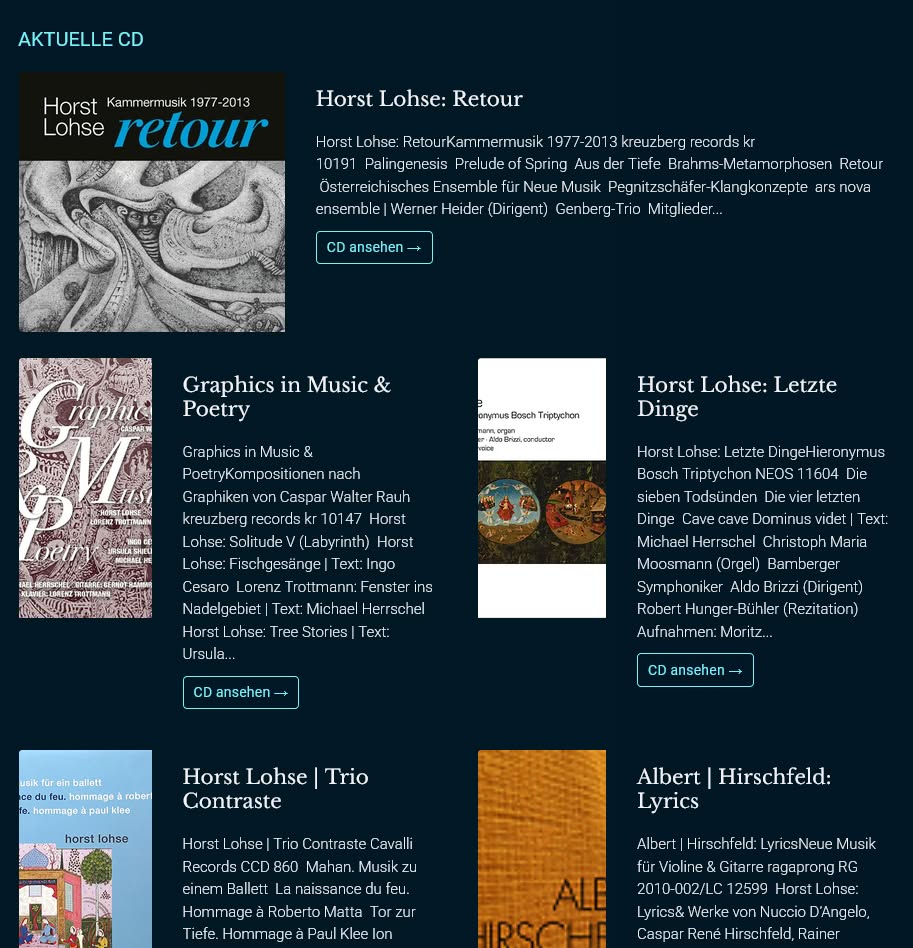
- ➡️ Set the first 1, 2, or 3 articles to span the full width of the grid, creating a "hero" or featured layout.
★ Article Date Display:
- ➡️ Show/Hide the article date.
- ➡️ Choose which date to show: Published, Created, or Modified.
- ➡️ Custom Date Font Size and Color.
★ Category/Tag/Date Position:
- ➡️ Choose from five position options — Before Title, After Title, After Intro Text, Top, or Bottom — to control exactly where the category, tag, and date display relative to the article content.
★ Read More Button Enhancements:
- ➡️ Border Color customization for the Read More button.
- ➡️ Hover Border Color customization for the Read More button.
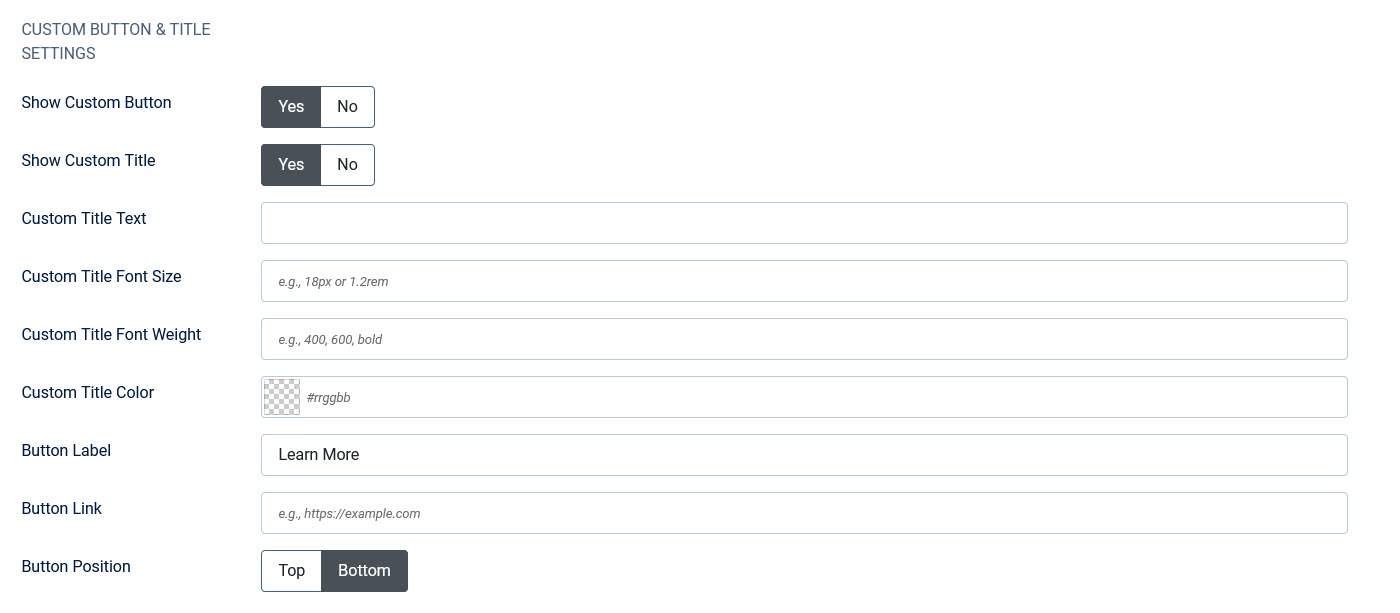
★ Custom Button & Title Section:
- ➡️ Custom Title: Show a custom title/heading above the custom button.
- ➡️ Custom Title Text: Customize the title text.
- ➡️ Custom Title Font Size, Font Weight, and Color: Full styling control over the custom title.
- ➡️ Custom Button Position: Choose to display the custom button at the Top or Bottom of the module (in addition to left/center/right alignment).
★ New Styling & Spacing Options:
- ➡️ Thumbnail Padding: Control the spacing around the thumbnail image.
- ➡️ Additional Spacer Fields: Extra blank spacer fields are included in the parameters for better visual grouping and organization within the Joomla administrator panel.
★ Linked Image:
- ➡️ If enabled, the thumbnail image links to the article using the same URL as the title and Read More button.
★ More Upcoming Features.
Frontend Demo:
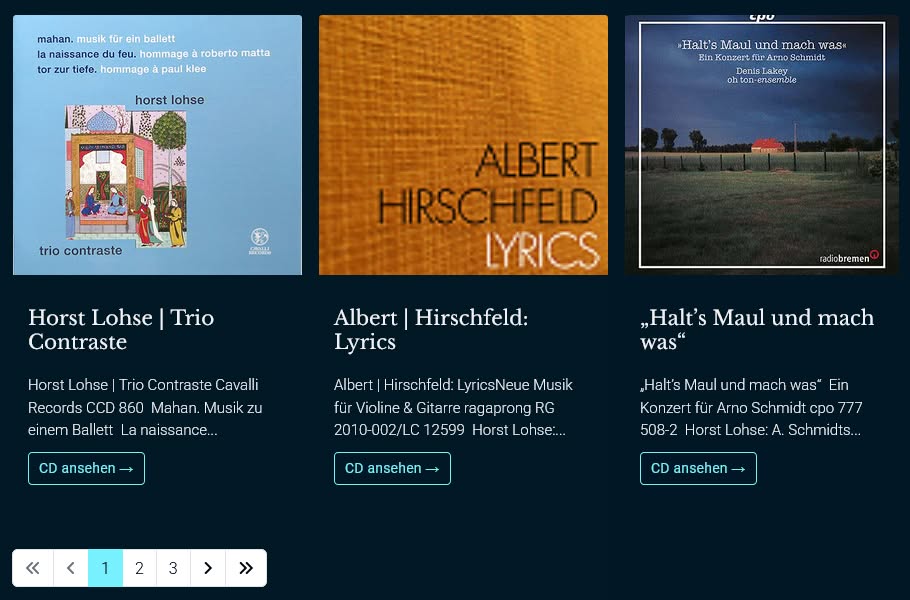
🏠 Our homepage is proudly built with JO Articles Display
Backend Screenshot:

Frontend Screenshot:
Get JO Articles Display Extended Download JO Articles Display