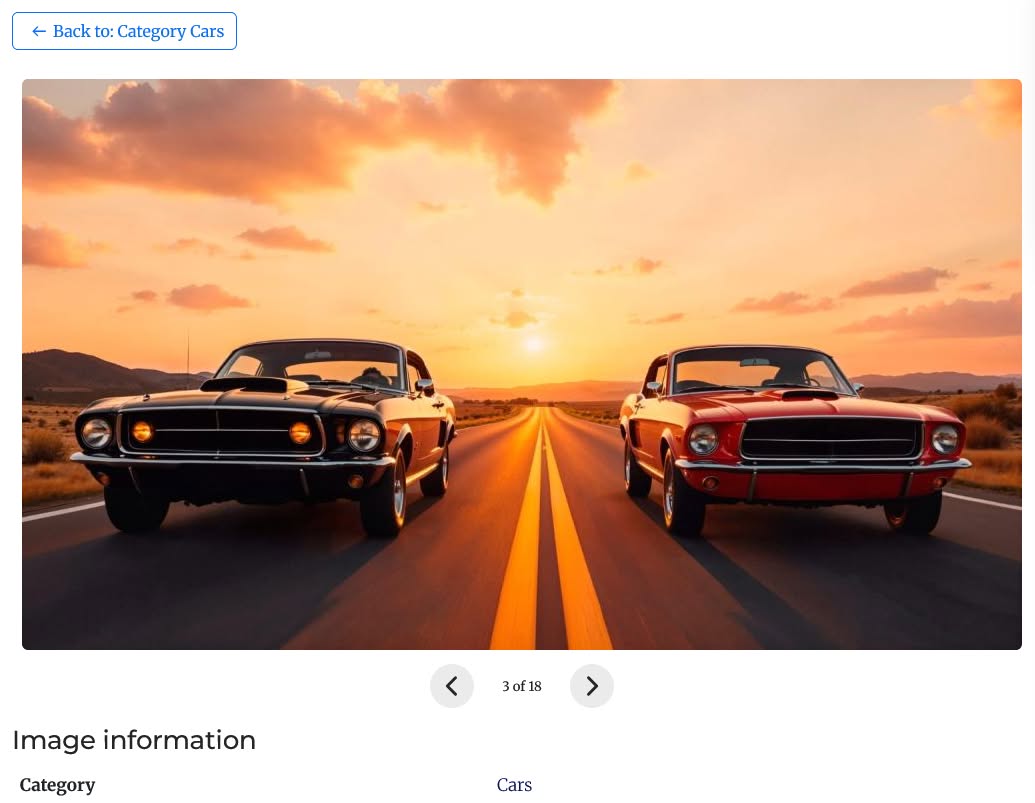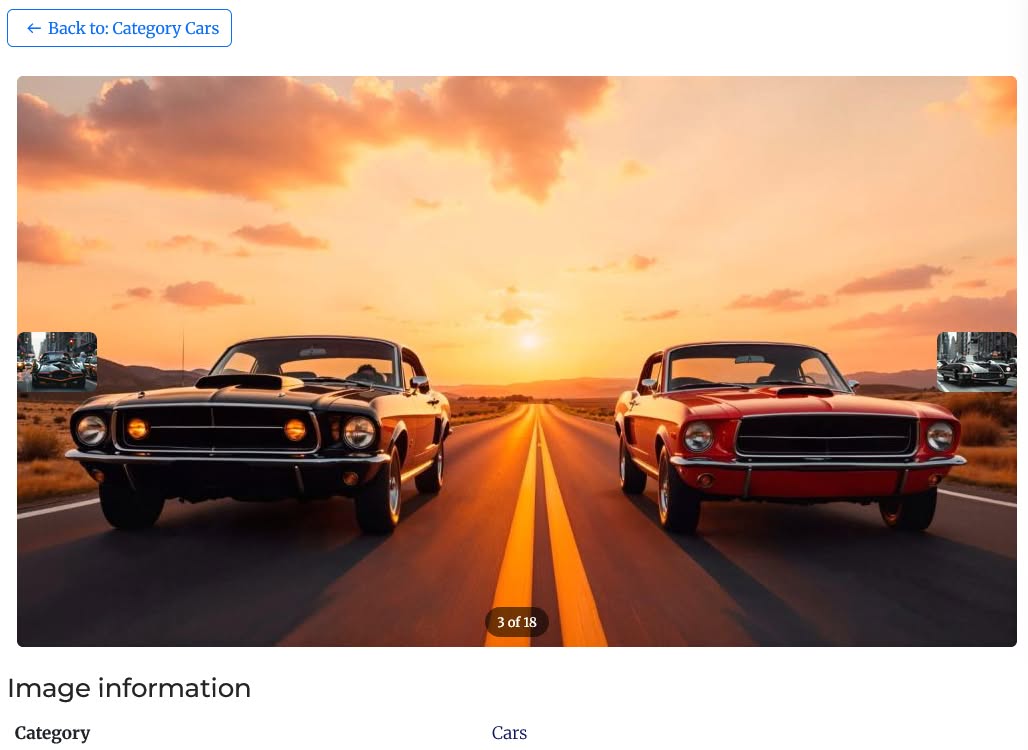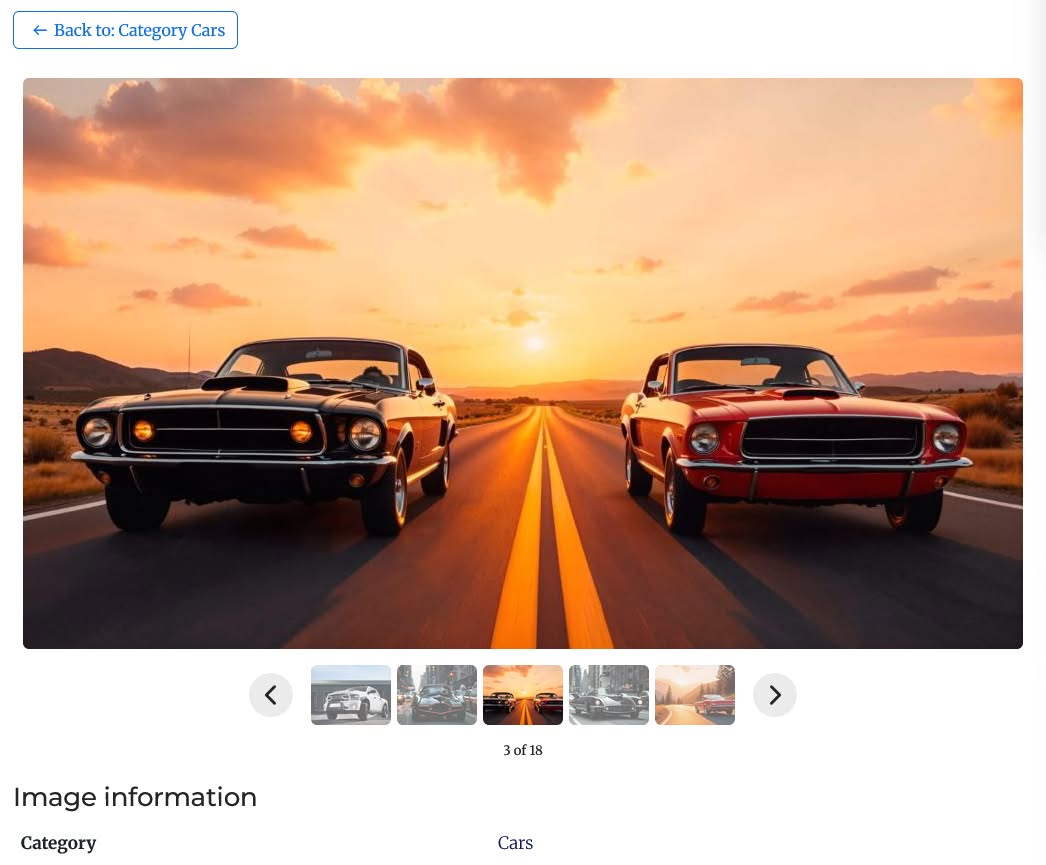
JO JoomGallery Navigation restores Previous/Next image navigation to JoomGallery 4, allowing visitors to browse through a category's images directly from the single image view without returning to the thumbnail grid after every image.
Previous/Next navigation was built into JoomGallery 3, but was not carried over to the JoomGallery 4 rewrite. This lightweight standalone system plugin brings that missing feature back without modifying JoomGallery core files or requiring template overrides.
The plugin reads JoomGallery's own database tables, keeping navigation synchronized with your existing categories, image ordering, and access permissions. Unpublished, unapproved, hidden, or access-restricted images are automatically excluded when determining the previous and next images.
With configurable navigation layouts, thumbnail previews, keyboard controls, loop navigation, position counters, and optional preloading, JO JoomGallery Navigation provides a seamless image-to-image browsing experience while remaining simple and lightweight.
Key Features:
- ★ Previous/Next navigation — browse images directly from JoomGallery's single image view
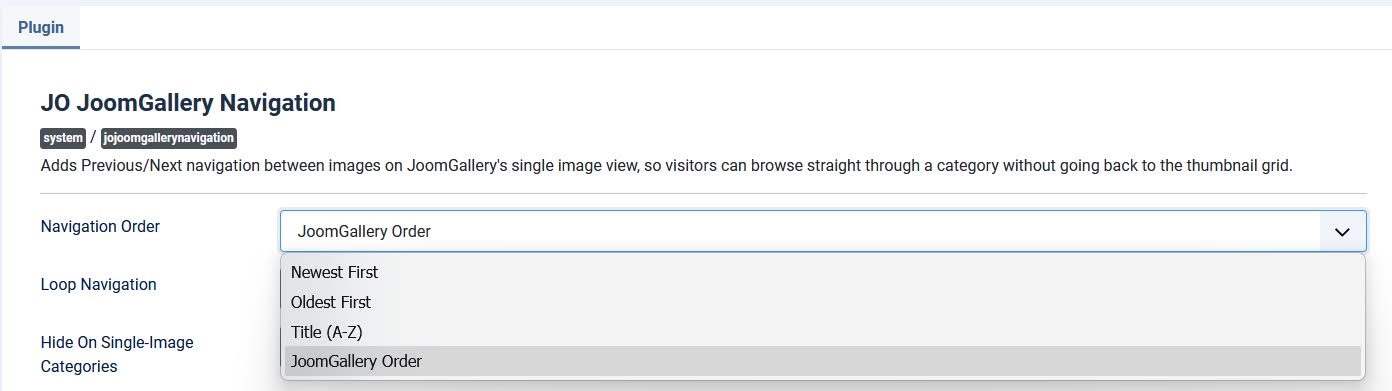
- ★ Configurable browsing order — choose Newest First, Oldest First, Title (A–Z), or JoomGallery's manual ordering
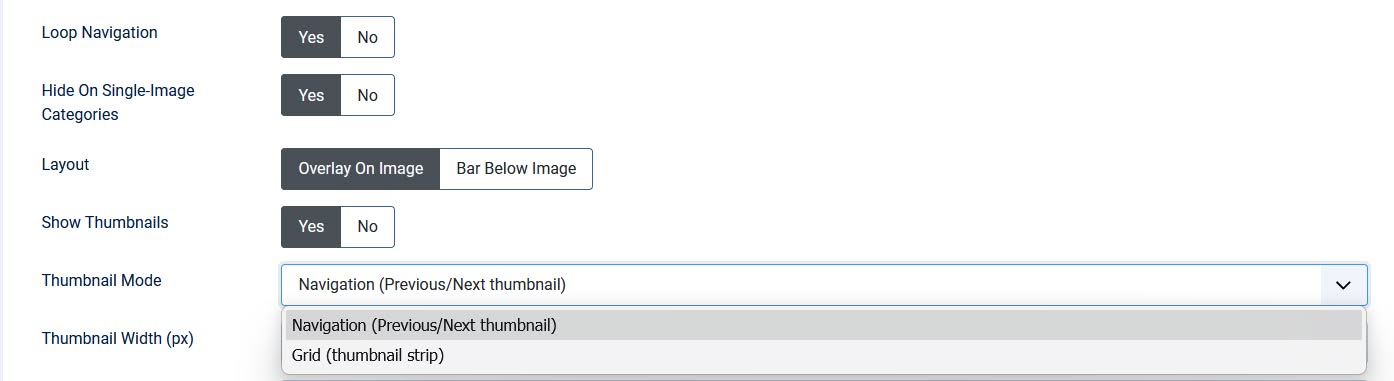
- ★ Loop navigation — optionally continue from the last image to the first, and from the first back to the last
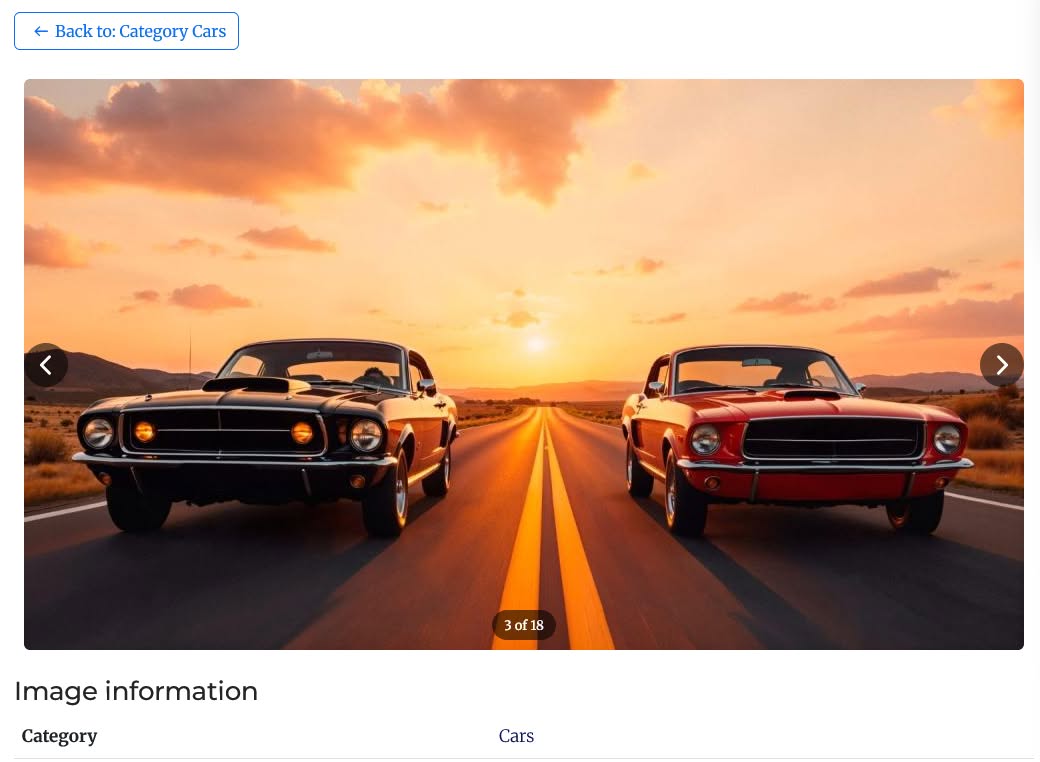
- ★ Two layout styles — display navigation arrows over the image or in a clean bar below it
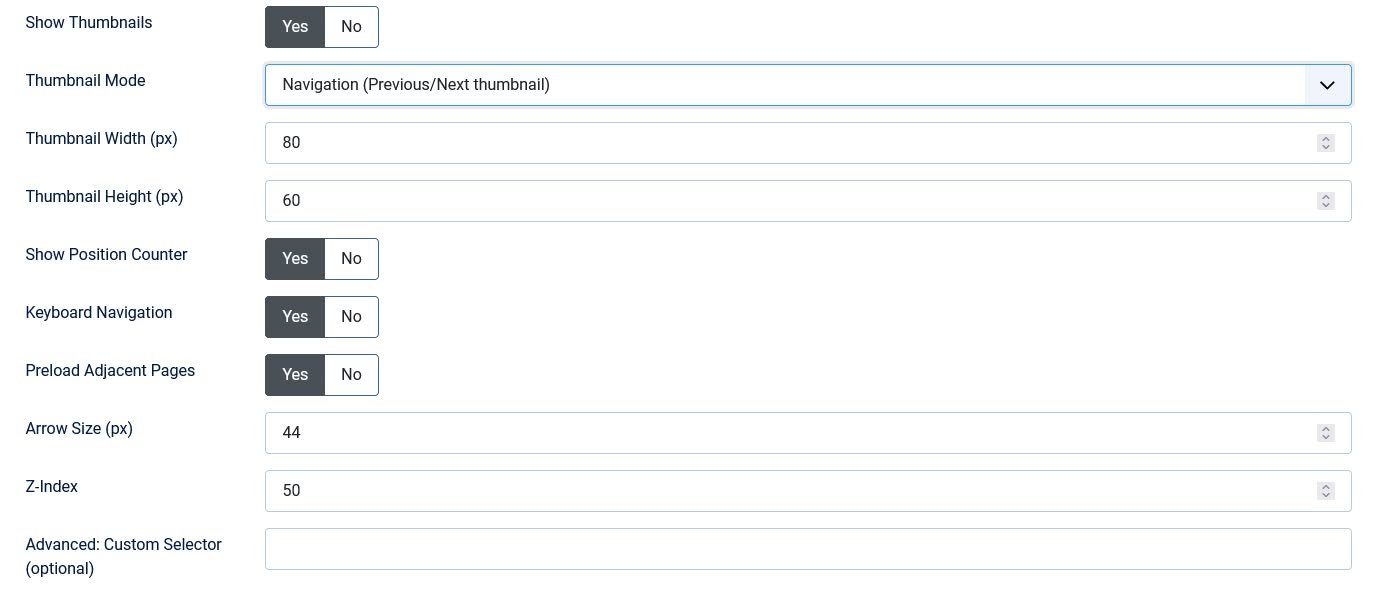
- ★ Thumbnail previews — replace plain arrow icons with actual thumbnails of the previous and next images
- ★ Grid thumbnail mode — display a horizontal strip of multiple thumbnails at once with a configurable thumbnail count
- ★ Automatic thumbnail pagination — the thumbnail strip automatically advances as visitors move through the category
- ★ Position counter — optionally display the current position, such as 3 of 25
- ★ Keyboard navigation — use the Left and Right arrow keys to move between images
- ★ Preload adjacent pages — optionally preload adjacent image pages for smoother browsing
- ★ Fully access-aware — respects JoomGallery's published, approved, hidden, and access-level restrictions
- ★ Custom CSS selector override — specify a custom selector for compatibility with heavily customized templates
- ★ Zero core modification — standalone system plugin that does not modify JoomGallery core files or require template overrides
Backend & Frontend Screenshot: