JO Remote Admin is a standalone emergency tool that allows Super Users to enable/disable Joomla extensions and toggle debug mode directly from outside the Joomla backend without accessing the database directly — perfect for when your site crashes due to incompatible plugins.
Sometimes, accidentally installing or enabling an incompatible plugin on a website can completely break the Joomla backend, making it impossible to perform any further tasks. Similar issues can occur in various ways, such as:
- The new update of a plugin is not compatible with your current version of Joomla.
- A plugin works only up to a specific version of Joomla, and a subsequent update causes the backend to crash.
- When upgrading from Joomla 5 to Joomla 6, a message appears stating: "The 'Behaviour - Backward Compatibility' Plugin Must be Disabled." Upon disabling it, the backend of certain websites breaks immediately.
When these problems occur, there is no longer a way to enable or disable that plugin from the Joomla backend. To resolve this, one must access and modify the Joomla database directly, which is somewhat complex for beginner or intermediate users.
JO Remote Admin was developed to provide an easy solution to this problem. It is not a direct Joomla extension but a completely standalone script. However, it can access the Joomla database, and only users with Super User privileges can access it.
Key Features:
🔐 Secure Authentication
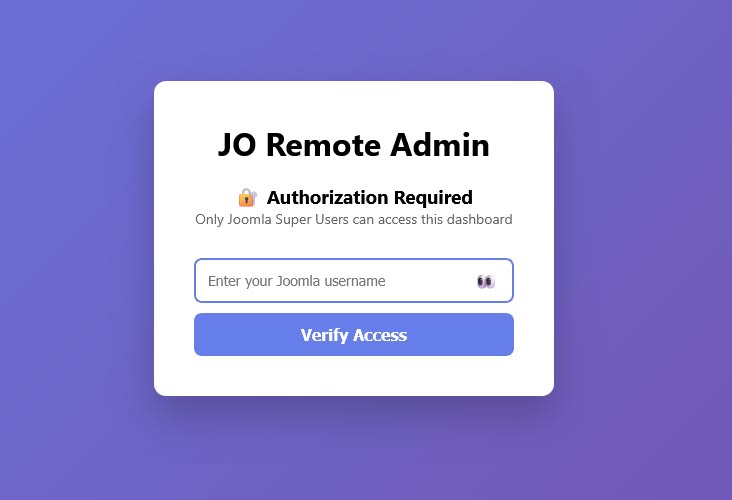
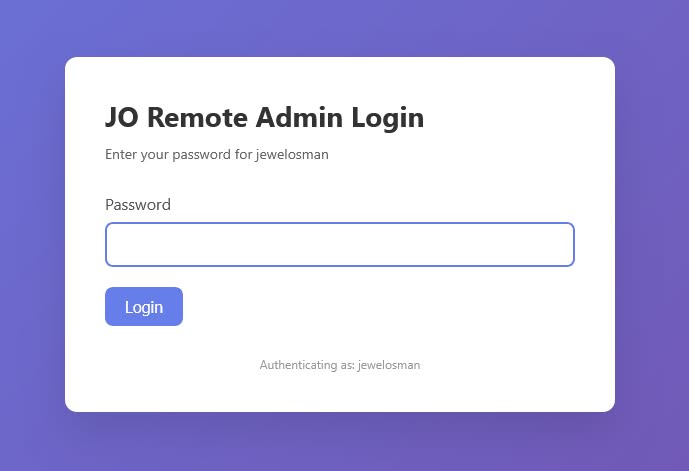
- Only Joomla Super Users can access the tool
- Secret key protection with IP-based rate limiting (5 attempts / 15 minutes)
- CSRF protection on all forms and AJAX requests
- Session timeout follows Joomla's global configuration
🔄 Extension Manager
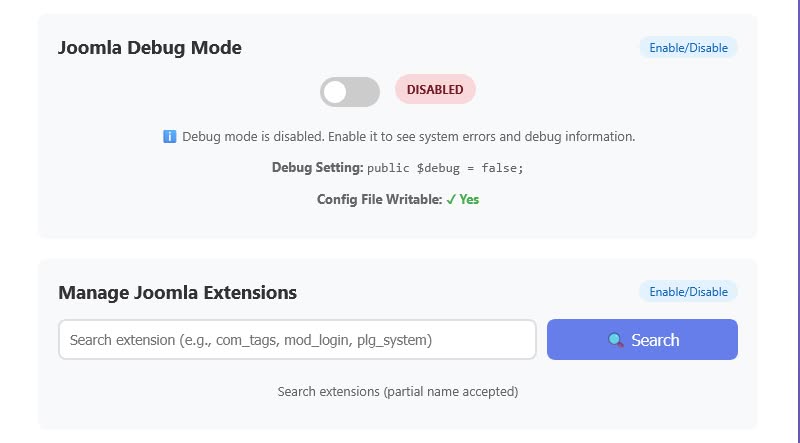
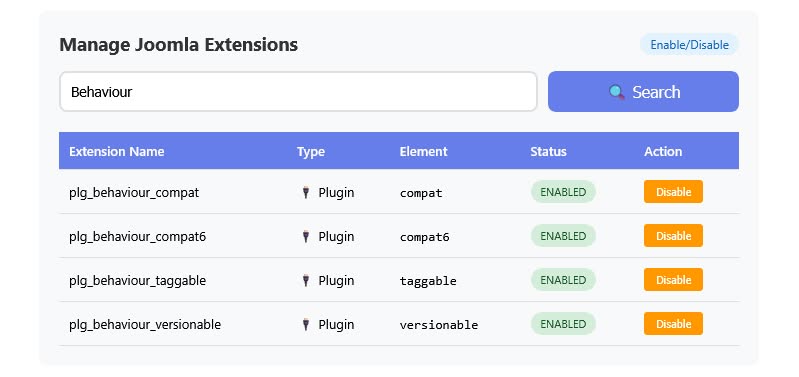
- Search and filter Joomla extensions by name (partial match supported)
- Enable/disable extensions with a single click
- View extension details: Name, Type (Component, Module, Plugin, Template, etc.), Element, and Status
🐛 Debug Mode Control
- Enable or disable Joomla's debug mode directly from configuration.php
- Atomic file writing with temporary file fallback (prevents data loss)
- Real-time status display showing current debug setting
📁 Permission Fixer
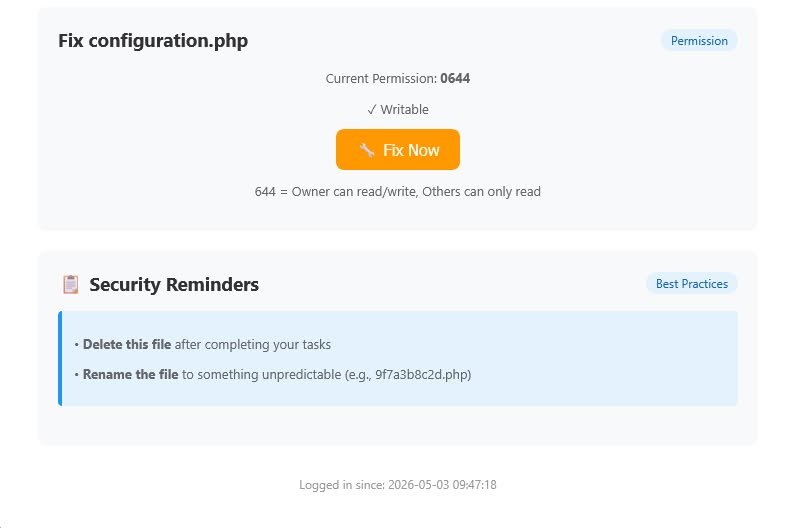
- Fix configuration.php permissions to 644 with one click
- Displays current permission and writable status
- Cross-platform support (Linux, Windows, macOS)
📊 System Information
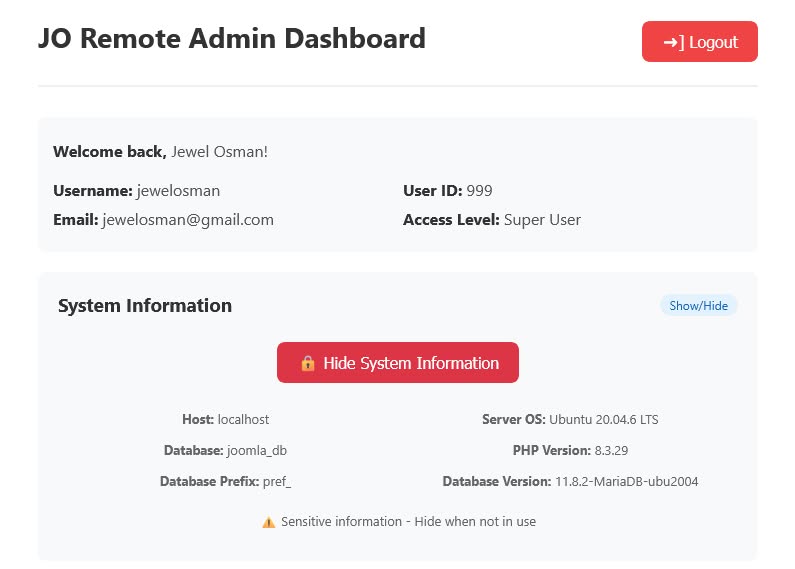
- View database, PHP, and server information on demand
- Sensitive data is hidden by default and only loaded when requested
- Server OS detection with detailed distribution info (Ubuntu, Debian, etc.)
🛡️ Security Hardened
- Content Security Policy (CSP) with nonce-based protection
- HTTP-only cookies with SameSite=Strict
- X-Frame-Options and X-Content-Type-Options security headers
- IP-based rate limiting to prevent brute force attacks
- Atomic file operations with proper file locking
- No sensitive information exposed by default
🌍 Cross-Platform
- Works on Linux, Windows, and macOS servers
- Compatible with Joomla 4.x, 5.x, and 6.x
- Uses Joomla's temporary directory for rate limit storage
⚡ Emergency Recovery
- Regain access to your site when the backend is broken
- Disable problematic extensions without database access
- Works independently of Joomla's backend
How to use:
This is a standalone script, not a Joomla extension. You can upload it via FTP anytime, or you can use an extension like Phoca Commander—ahem, while your site is still accessible, of course 🙂.
Once uploaded, you can access it directly via your browser at: yourwebsite.com/jora_login.php
Screenshot: