JO JoomGallery Download Image brings back convenient image download functionality that was available in JoomGallery 3 but did not carry over to JoomGallery 4.
JoomGallery 3 provided visitors with a straightforward way to download gallery images. With JoomGallery 4, visitors may instead have to rely on the browser's right-click "Save As" menu. This isn't always obvious to visitors, doesn't work the same way on touch devices, and may sometimes be disabled or restricted by templates or other site functionality.
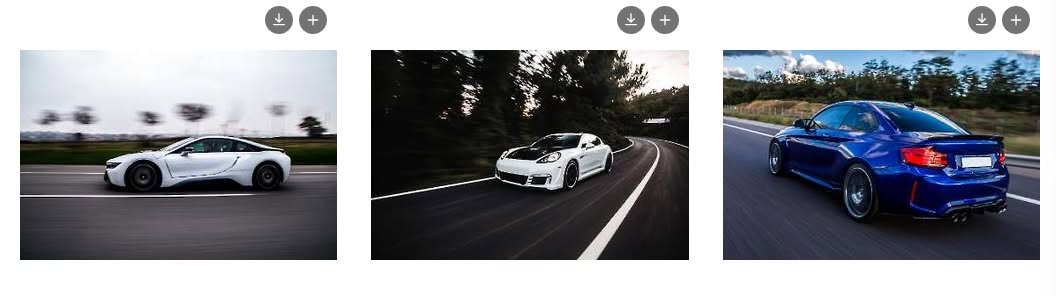
This plugin restores that convenience with a dedicated download icon directly on JoomGallery images. The icon can be displayed on both category (thumbnail grid) and single/detail image views, with each location configurable independently.
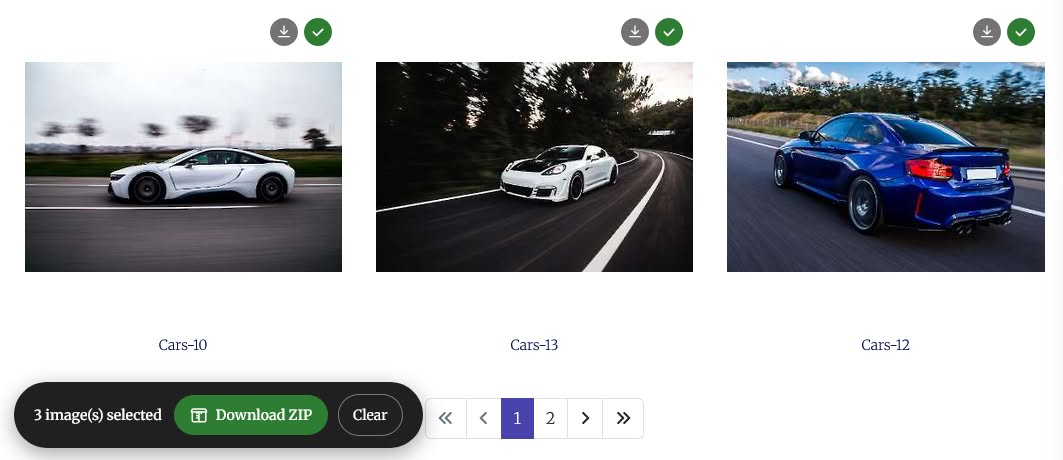
It also restores multi-image selection and ZIP downloading, allowing visitors to add multiple images to a download list and download them together as a single ZIP file.
Downloads are resolved through JoomGallery's own image delivery route, so the plugin can retrieve the configured Thumbnail, Detail, or Original version without relying on guessed file paths. The ZIP file is generated using a built-in, dependency-free ZIP writer, with no external library, CDN script, or third-party resource required.
The download icons are added as a non-destructive overlay without wrapping or restructuring JoomGallery's existing markup, helping preserve your template's layout and CSS. It is a standalone system plugin that does not modify JoomGallery core files or require template overrides.
Key Features:
- ★ One-click image download — give visitors a dedicated download button instead of requiring a browser right-click
- ★ Multi-select & ZIP download — select multiple images and download them together as one ZIP file
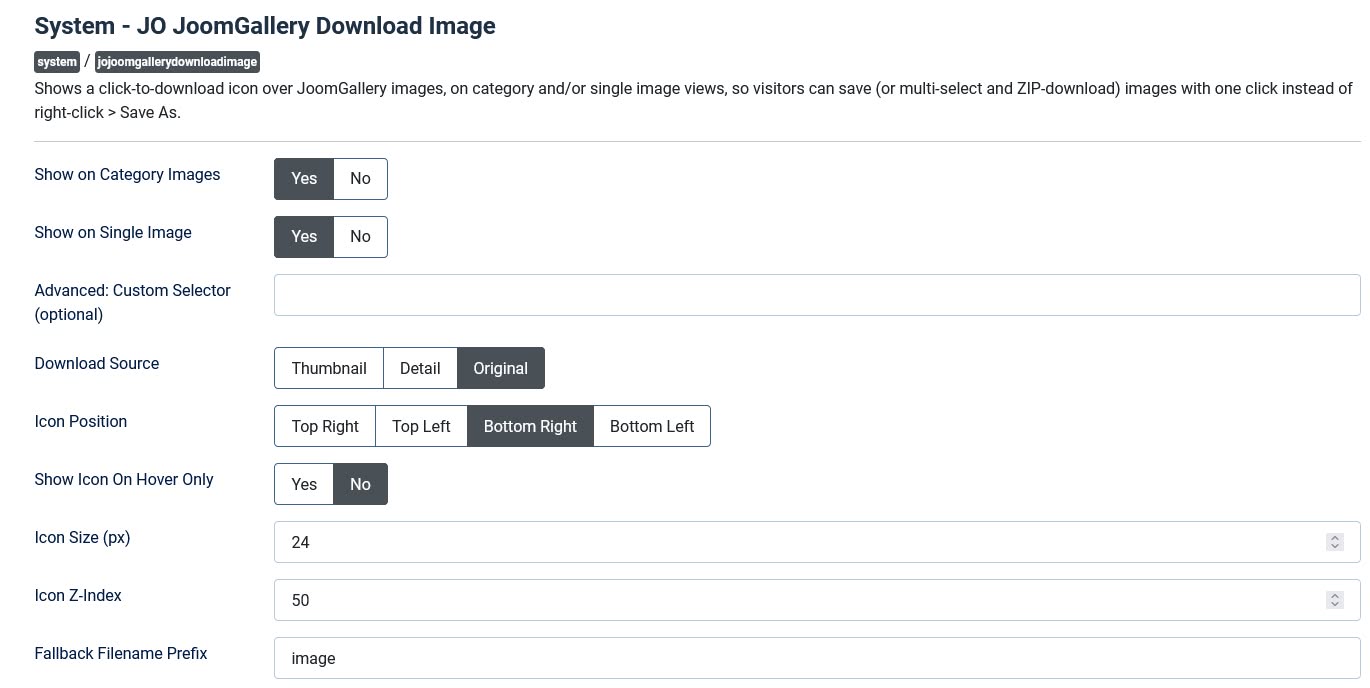
- ★ Configurable download source — choose Thumbnail, Detail, or Original as the downloaded image, independently of what is displayed
- ★ Category & single-image control — enable download icons independently on category and single/detail views
- ★ Self-contained ZIP engine — built-in, dependency-free ZIP writer with no external libraries, CDN scripts, or third-party resources
- ★ JoomGallery image routing — uses JoomGallery's own image delivery route instead of relying on guessed file paths
- ★ Non-destructive overlay — adds icons without wrapping or restructuring JoomGallery's existing markup
- ★ Four icon positions — top-left, top-right, bottom-left, or bottom-right
- ★ Hover or always visible — choose whether download icons appear only on hover or remain visible
- ★ Flexible ZIP bar placement — Top Fixed, Bottom Fixed, or any of four floating corner positions
- ★ Maximum selection limit — optionally limit how many images can be added to a ZIP download
- ★ Custom CSS selector — override the default selector for compatibility with heavily customized templates
- ★ Zero core modification — standalone system plugin with no JoomGallery core modifications or template overrides
Backend & Frontend Screenshot: