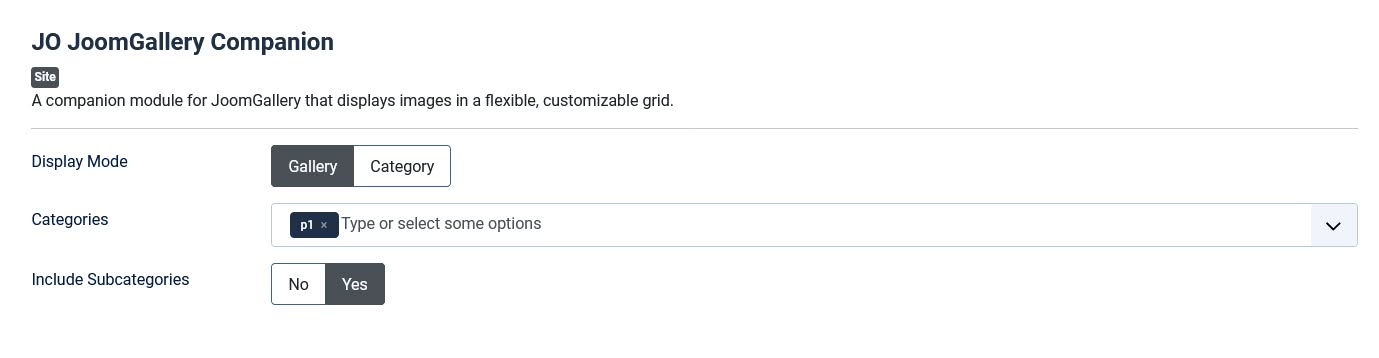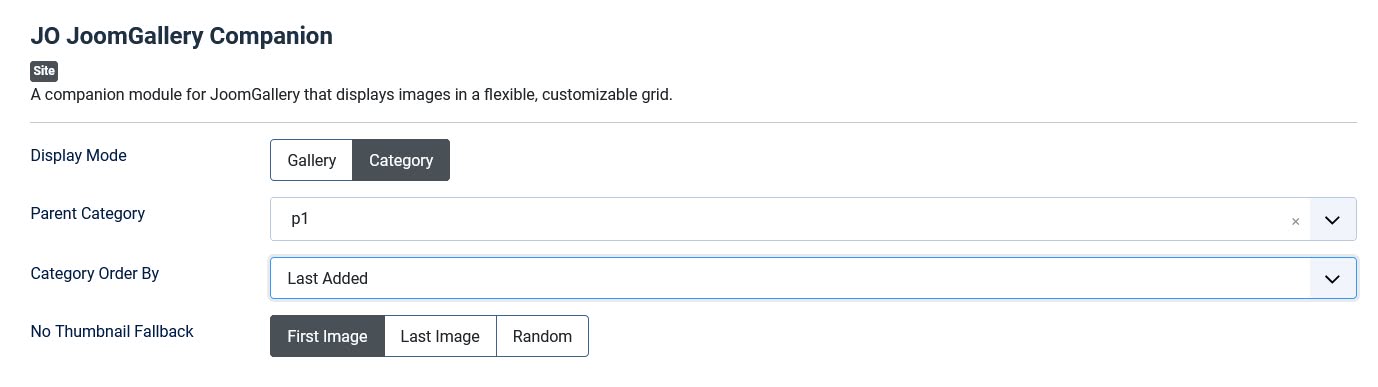
JO JoomGallery Companion is a JoomGallery companion module built for version 4.x that displays your gallery images in a fully responsive, highly customizable grid — right on any module position on your site.
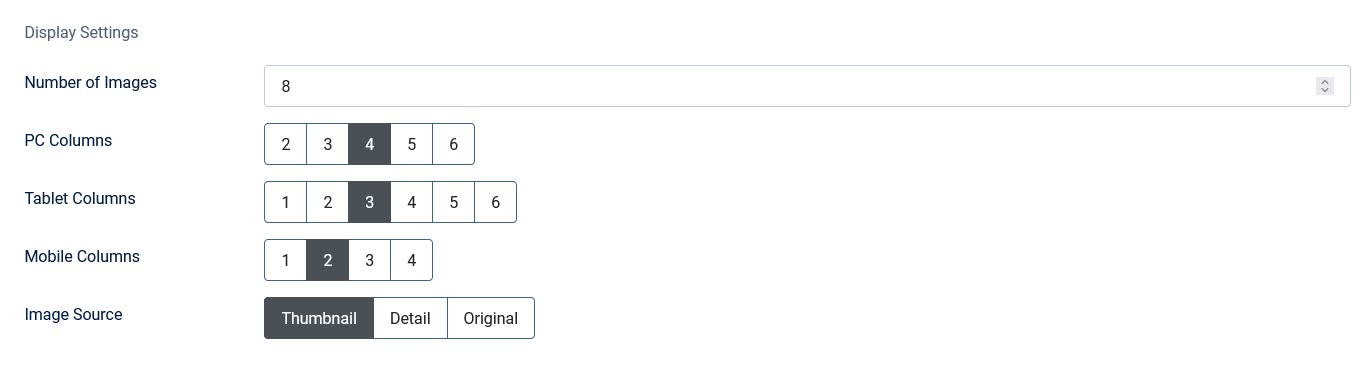
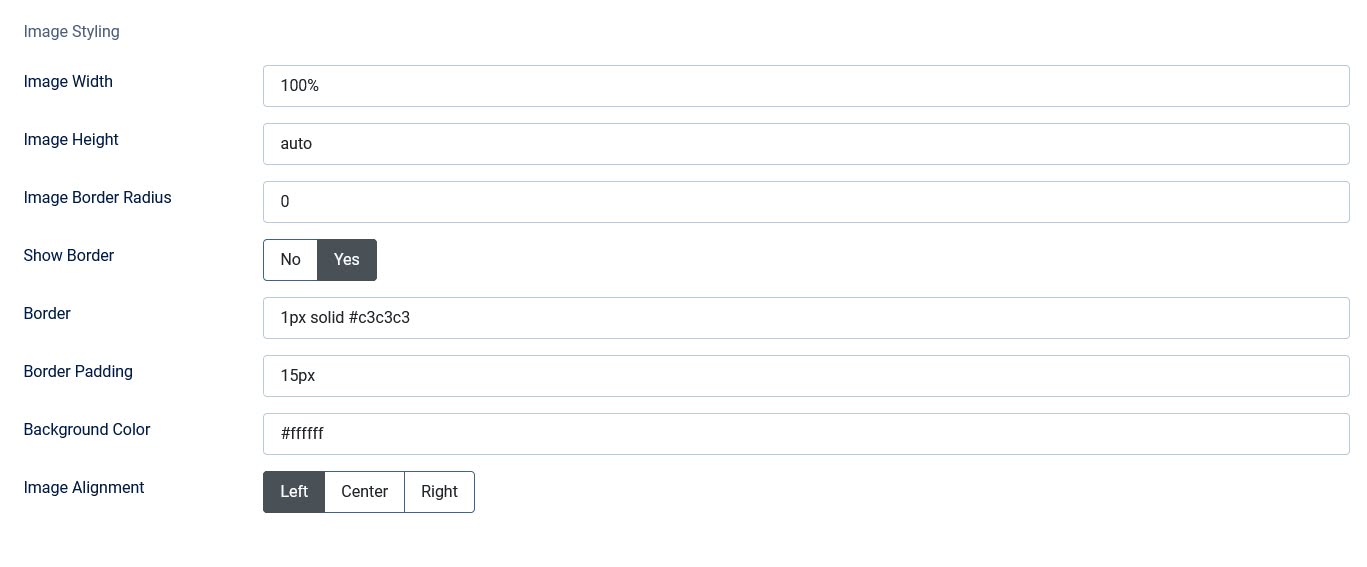
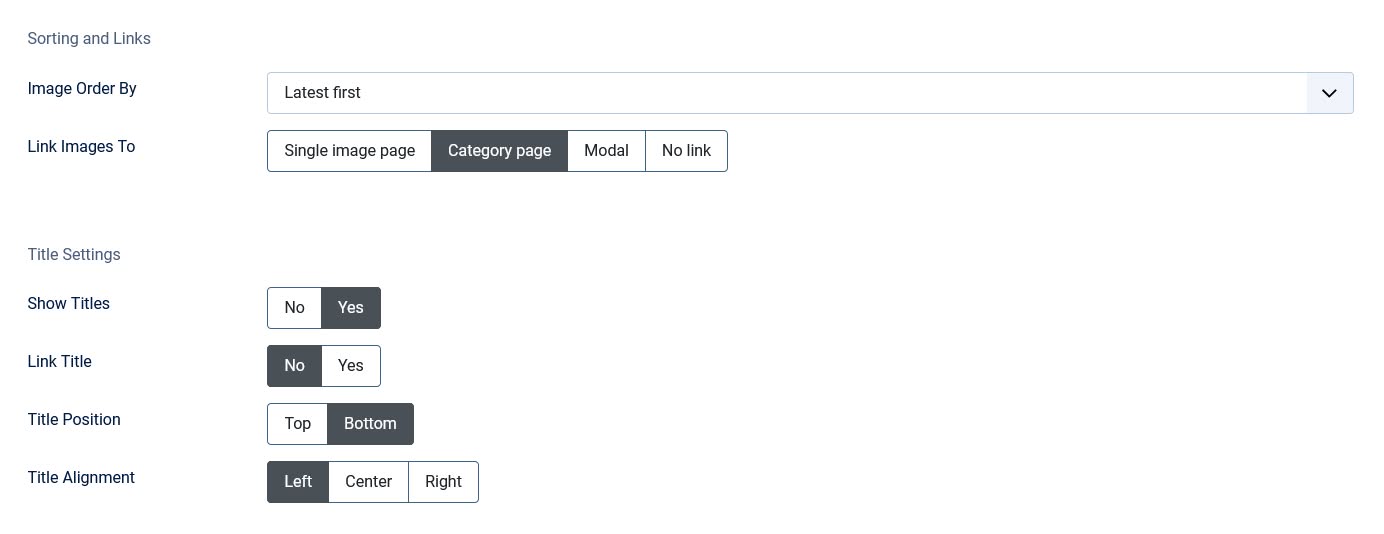
It works two ways: browse a hand-picked set of categories directly, or point it at one parent category and let it automatically surface all of its subcategories as clickable tiles. Every visual detail is configurable — from column counts across desktop, tablet, and mobile, to borders, spacing, rounded corners, and image alignment — so it fits your template without writing a line of custom CSS. A built-in lightbox lets visitors view full-size images without leaving the page, and an optional "Show More" button links out to a category or any custom URL you choose.
Whether you're spotlighting a single gallery or building a full category-browsing experience, this module gives you the control to do it without touching code.
Built with the industry-standard Swiper.js library, this gallery delivers smooth, touch-friendly navigation that works flawlessly on desktops, tablets, and smartphones.
Key Features:
- ★ Two display modes — Gallery mode (any combination of categories, pooled into one grid) and Category mode (auto-list a parent category's subcategories as tiles)
- ★ Responsive columns — set column counts independently for desktop, tablet, and mobile
- ★ Built-in modal lightbox — view full-size images in a popup, no page reload, no external library
- ★ Full image styling control — width, height, border radius, border, padding, background color, and alignment, all from the module settings
- ★ Flexible sorting — order by latest, oldest, title, views, rating, or random (per-category stats supported in Category mode too)
- ★ Subcategory pooling — optionally pull images from subcategories into the same Gallery-mode grid
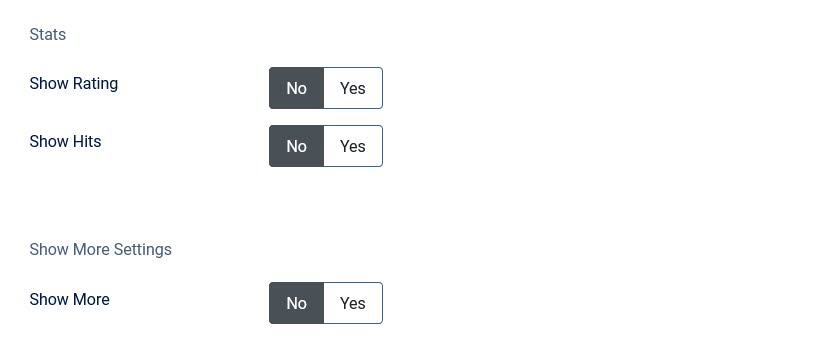
- ★ Rating & view count display — show average rating and/or total views under each image or tile
- ★ Configurable "Show More" link/button — links to a category (default or custom URL) or any page you choose, styled as a button or plain link
- ★ Title controls — show/hide, link, position above or below the image, and align left/center/right
- ★ Crash-safe — gracefully shows a friendly message instead of a fatal error if JoomGallery isn't installed or enabled
Backend Screenshot: