JO 3D Viewer is a powerful, feature-rich Joomla module that allows you to display interactive 3D models directly on your website. Built on the industry-standard Three.js library, this module brings professional-grade 3D visualization to your Joomla site without requiring any coding knowledge.
Whether you're showcasing products in an online store, presenting architectural designs, displaying educational 3D content, or creating an immersive portfolio, JO 3D Viewer provides all the tools you need. The module supports GLB and GLTF formats (including Draco-compressed files), ensuring compatibility with modern 3D modeling software like Blender, 3ds Max, Maya, and SketchUp.
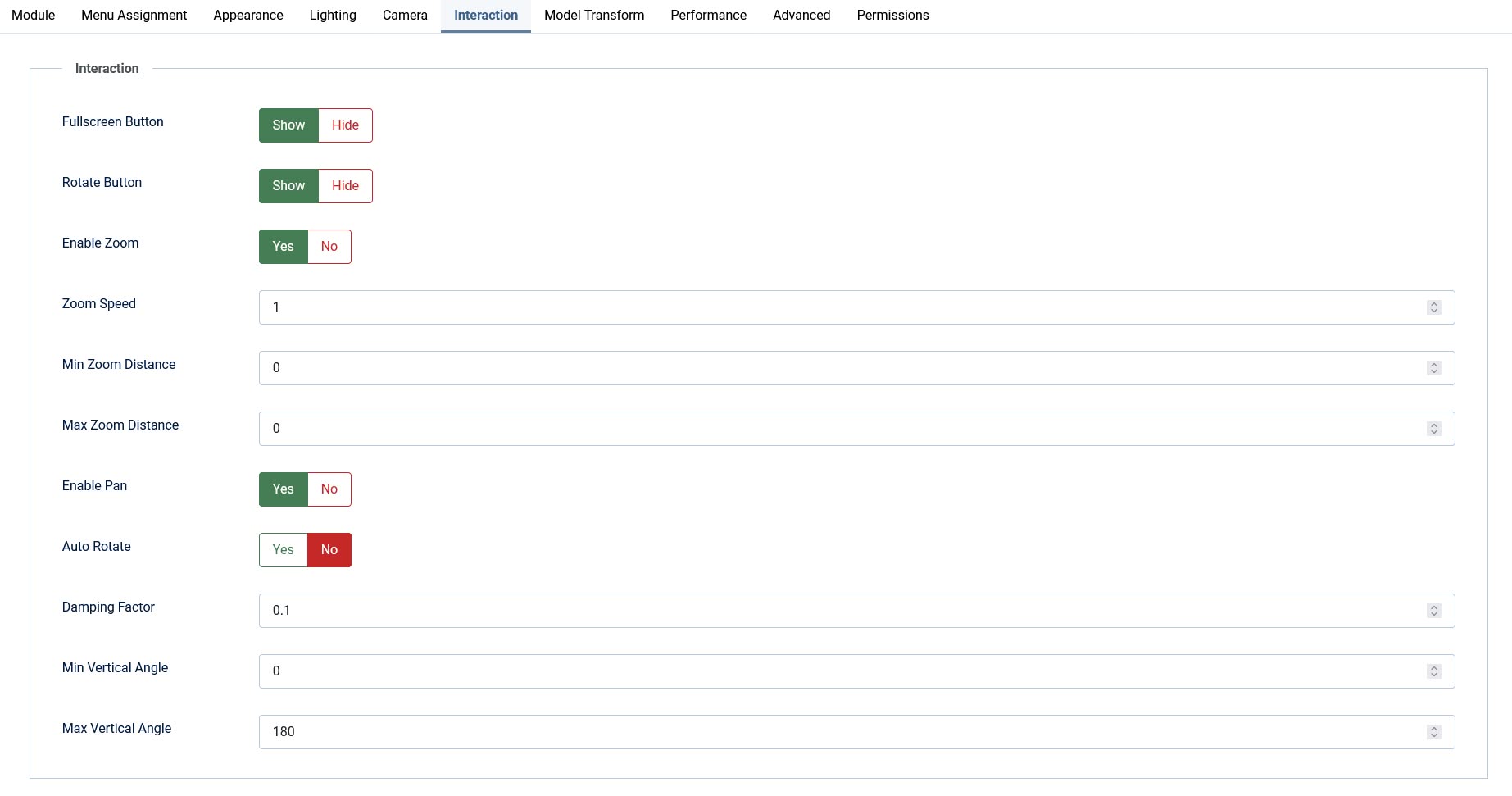
With an intuitive Joomla administration interface featuring over 50 customizable parameters organized into logical sections, you have complete control over the viewer's appearance, lighting, camera behavior, and interactive controls. The responsive design ensures your 3D models look stunning on all devices, from desktop monitors to mobile phones.
Key Features:
- ★ Supports GLB and GLTF formats including Draco-compressed files
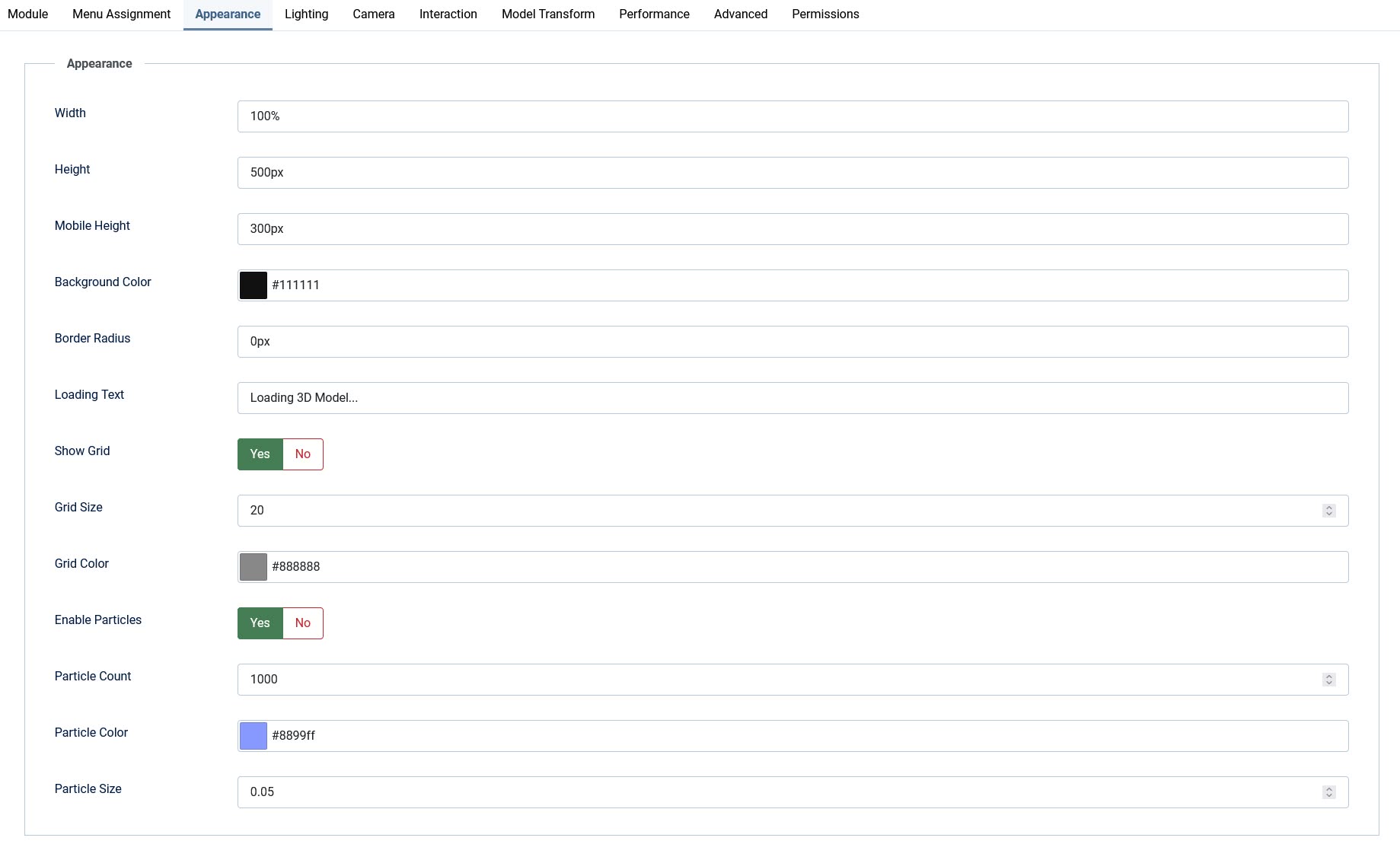
- ★ Fully customizable appearance with background colors, grids, particle effects, and wireframe mode
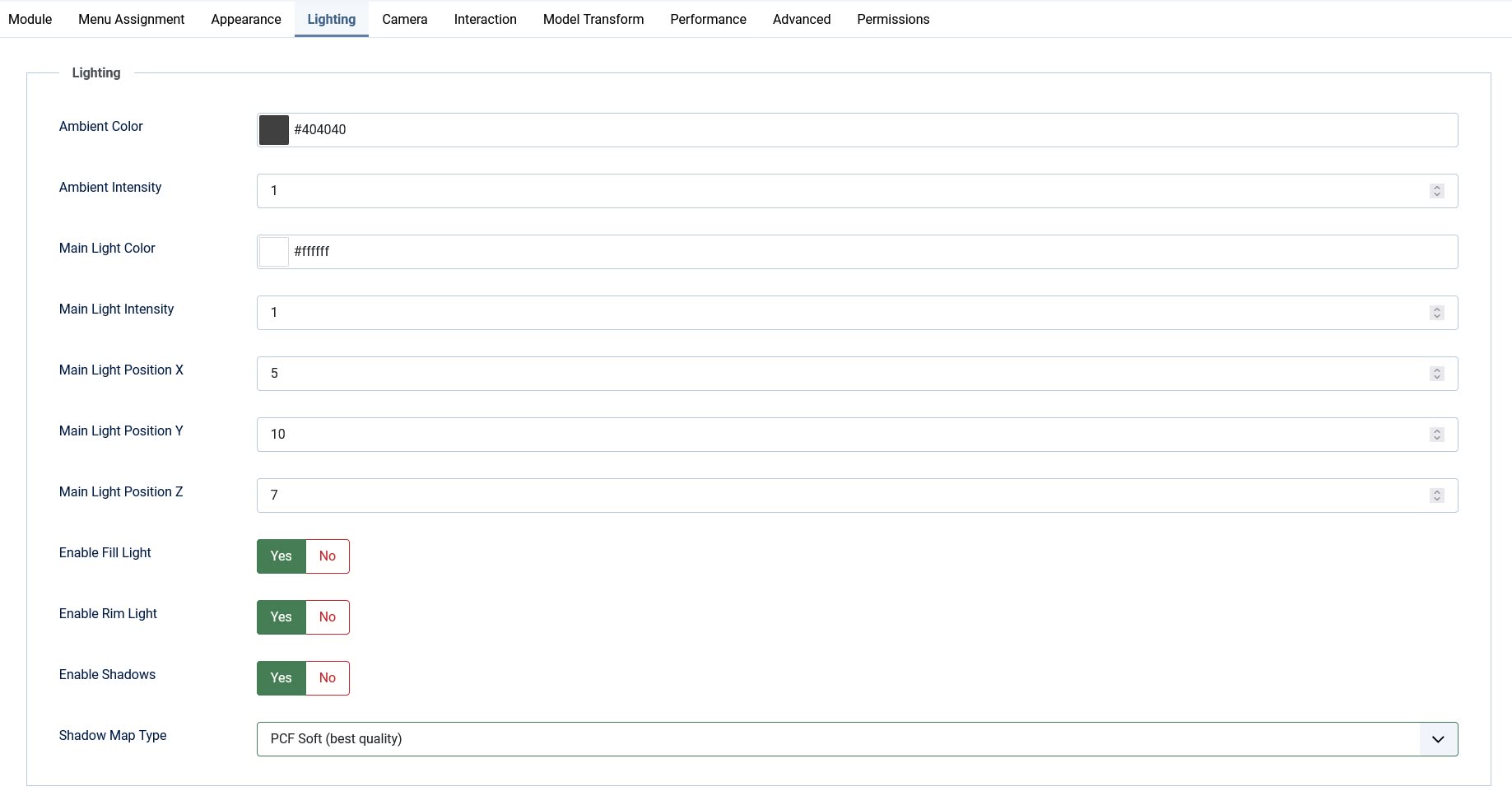
- ★ Professional three-point lighting system with ambient, directional, fill, and rim lights plus real-time shadows
- ★ Responsive design with flexible sizing and separate mobile height settings
- ★ Intuitive orbit controls with zoom, pan, auto-rotate, and configurable angle limits
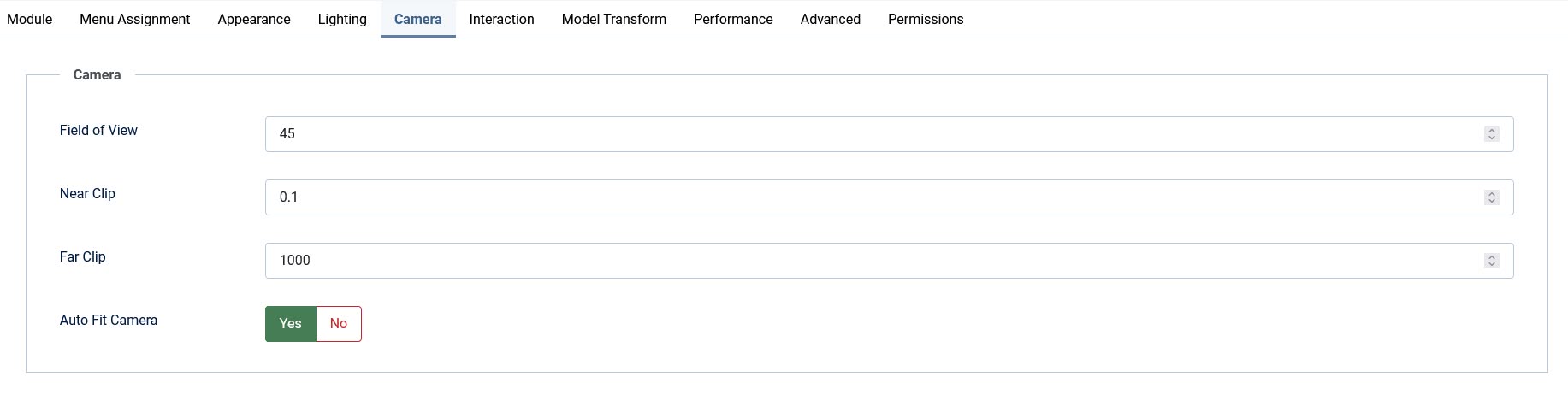
- ★ Smart auto-fit camera with manual override and adjustable field of view
- ★ Over 50 configurable parameters organized into 8 logical fieldsets
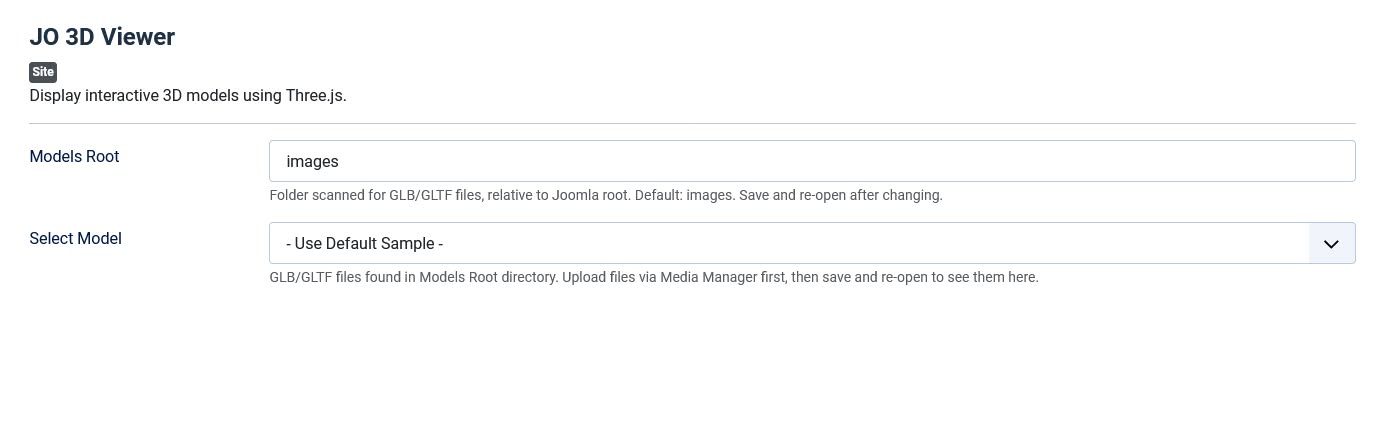
- ★ Custom model selection field with automatic scanning and Media Manager integration
- ★ Frontend toolbar with fullscreen and auto-rotate toggle buttons
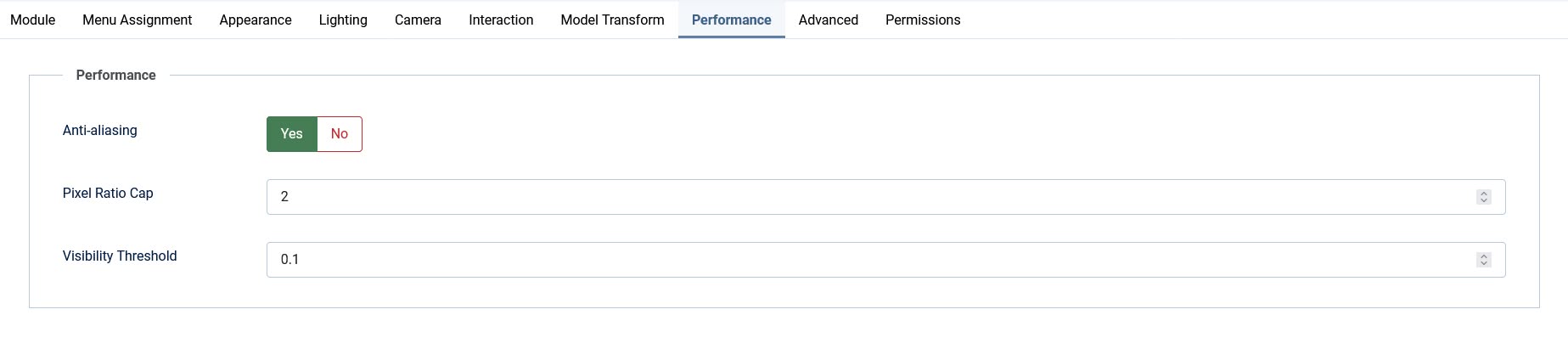
- ★ Performance optimized with viewport detection, pixel ratio capping, and anti-aliasing toggle
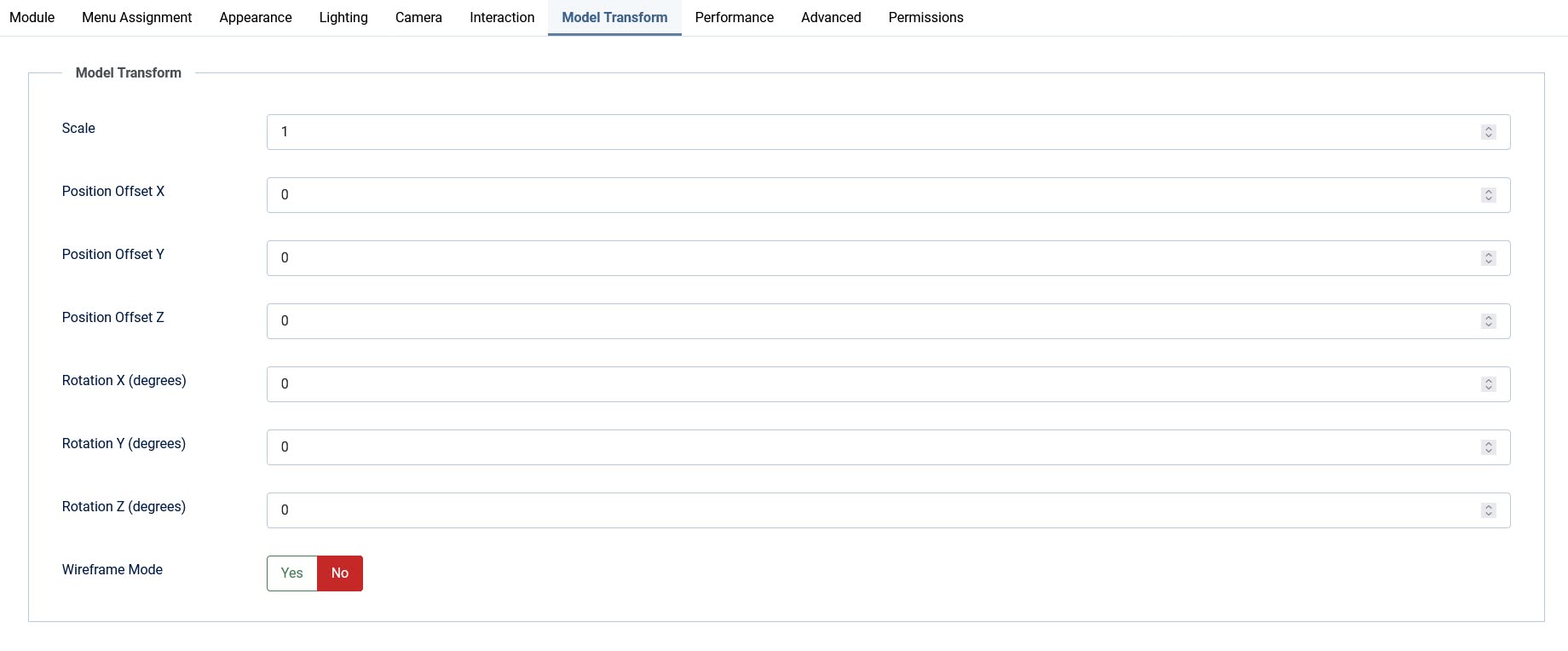
- ★ Model transform controls including scale, position offset, and rotation presets
Perfect For:
- ★ E-commerce product showcases
- ★ Architectural and interior design presentations
- ★ Educational 3D content
- ★ Portfolio and gallery displays
- ★ Engineering and technical visualizations
- ★ Game asset previews
- ★ Scientific data visualization
- ★ Virtual museum exhibits
📌 Important Setup Notes:
After installing the module, you need to configure Joomla's Media Manager to accept 3D model files. This is a one-time setup per site.
1. Allow GLB/GLTF File Types
Navigate to System → Global Configuration → Media and add the following:
- Allowed Extensions: Add
glb,gltfto the existing list - Legal Document Extensions (File Types): Add
glb,gltf - Legal MIME Types: Add
model/gltf-binary,model/gltf+json
2. Increase Upload Size Limit
3D model files are often larger than typical images. Increase the maximum upload size to accommodate your models:
- Maximum Size (in MB): Change from the default 10 MB to your required size (e.g., 50 MB or 100 MB)
Note: If your 3D models exceed your server's PHP upload limits (upload_max_filesize and post_max_size in php.ini), you may need to adjust those as well or contact your hosting provider.
3. Upload Your Models
After saving the configuration, go to Content → Media, navigate to your models folder, and upload your GLB/GLTF files. Then configure the module to point to your models directory.
Frontend Demo:
Backend Screenshot: